News and Updates
Follow the development of the ArtGeneration.me platform. Here are all service updates.
Update 10.2
Date: July 8, 2026
1. 36 new models in the catalog
A big catalog update — 8 image models and 28 video models, from flagships to budget versions.
Images:
- Seedream 5.0 Pro — ByteDance's new flagship: not just text-to-image but controllable editing — up to 10 input images, local edits, merging frames into one scene, character consistency, and strong multilingual text rendering. Up to 2K.
- Nano Banana 2 Lite — the little sister of Google's Nano Banana 2: same logic, noticeably faster and cheaper.
- Z-Image — a lightweight open-source Alibaba model: heavyweight-grade photorealism, honest text rendering, dirt cheap.
- Ideogram 4.0 Remix — rebuilds your image from a prompt: new style and details while keeping the composition.
- ERNIE-Image — Baidu's flagship generator: rich photorealism and confident handling of complex scenes.
- ERNIE-Image-Turbo — the same Baidu school, many times faster.
- Runway Gen-4 Image Turbo — Runway's fast image model with reference support.
- P-Image Try-On — a virtual fitting room: photo of a person + photo of clothing = a new outfit.
Video — generation:
- Kling: 3.0 Turbo, 3.0 Pro, 2.6 Pro, O1 Pro, O1 Standard — an update to the legendary lineup: native audio, multi-shot from text, and "thinking" O1 models.
- Vidu: Q3, Q3 Turbo, Q2 Pro, Q2 Turbo — lively motion from text or a frame.
- Seedance 2.0 Mini and Seedance 1.5 Pro — ByteDance with best-in-class motion physics and native audio.
- HappyHorse 1.1 — an Alibaba multimodal model focused on people and expressive voice.
- Ray3.2 — Luma's flagship with first- and last-frame control.
- Gemini Omni Flash — Google: turn up to 7 photos into a clip with native audio.
- Runway Gen-4.5, Veo 3.1 Lite, Hailuo 2.3 Fast, Hailuo 02, PixVerse V5.6, SkyReels V4 — flagships of previous generations.
Avatars and voiceover:
- VEED Fabric 1.0 — a talking avatar from a photo and voice: upload a portrait and audio, and the model animates the face to the speech (synced lips, expressions, head turns). The clip length equals the audio length.
- Kling Avatar 2.0 Standard and Pro — bring a photo to life: the character speaks with your audio and natural facial expressions.
- OmniHuman-1.5 — one photo + audio = a full-body talking person.
- sync-3 — lip-sync for existing videos, perfect for dubbing.
- HeyGen Avatar IV — a digital presenter from a single photo.
Tools for existing video:
- PixVerse Modify — video-to-video: describe what to change in the clip.
- Bria Video Upscale — upscale clips without artifacts.
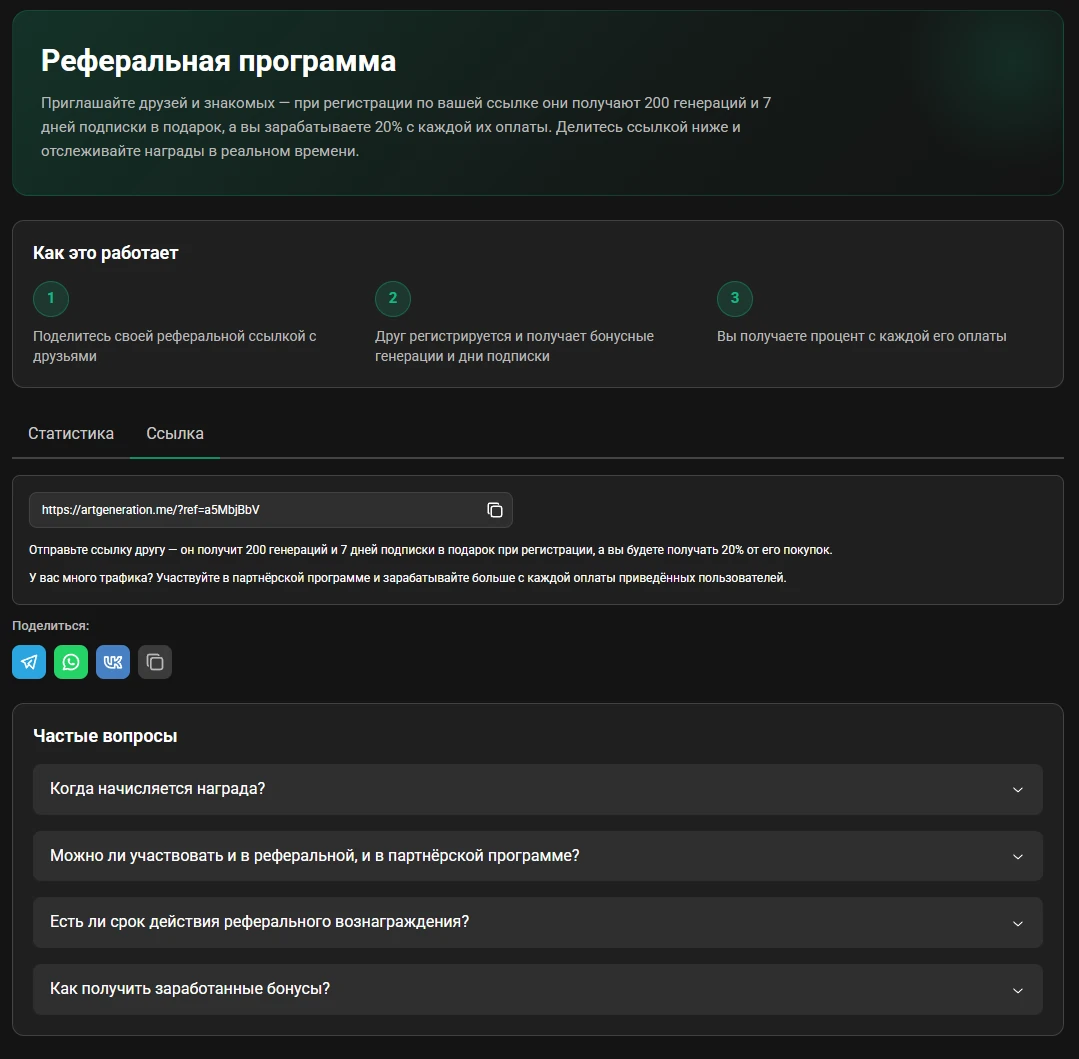
2. Updated referral program
We fully reworked the referral program — now it's a clear page in your account:
- Invite friends — when they sign up via your link they get bonus generations and subscription days, and you earn a percentage of every payment they make.
- A real-time stats dashboard: how many friends came, how many paid, and how much you earned.
- Share your link in one click — Telegram, WhatsApp, VK, or copy.
Have your own channel or community? You can apply to the partner program with better terms right from the referral page.
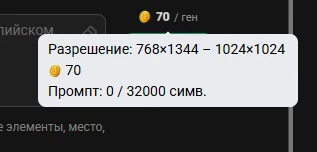
3. Prompt character counter
Each model has its own real prompt-length limit, and now it's visible right in the generator: hover over the cost badge to see how many characters you've typed and how many fit the selected model. Works for images and video — no more silently truncated prompts.
4. Clear errors and fewer generation failures
We reworked error handling: instead of technical codes, a clear explanation of what went wrong. Uploading source images to the generation server is now more reliable and retries on failure — far fewer "stuck" generations.
5. Faster and more stable
A large internal UI refactor plus a batch of fixes: the gallery (main and personal) loads instantly on open again, category colors are back in the model filters, the new-user welcome dialog and payment-status window behave correctly, and model pages have clean, readable URLs.
Update 10.0
Date: June 1, 2026
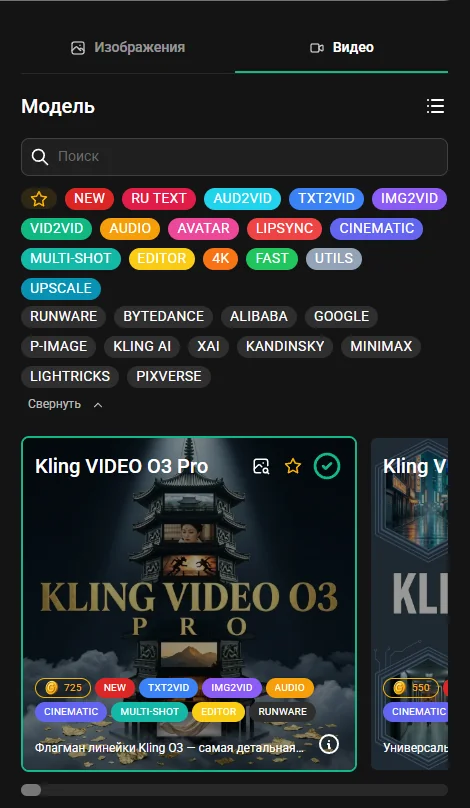
1. Video generation
The long-awaited feature is finally here — you can now create videos on ArtGeneration. Describe a clip in text and build it from scratch, or bring any image to life. All videos land in the gallery — both the public and your personal one — so don't forget to like them: a dedicated video top is coming soon.
We tried to cover the main requests, so video ships with:
- Quality upscale — increase the resolution of a finished clip.
- Smoothness boost — more frames, softer motion.
- Video avatars — they speak in your own voice that you record, or read out the text you type.
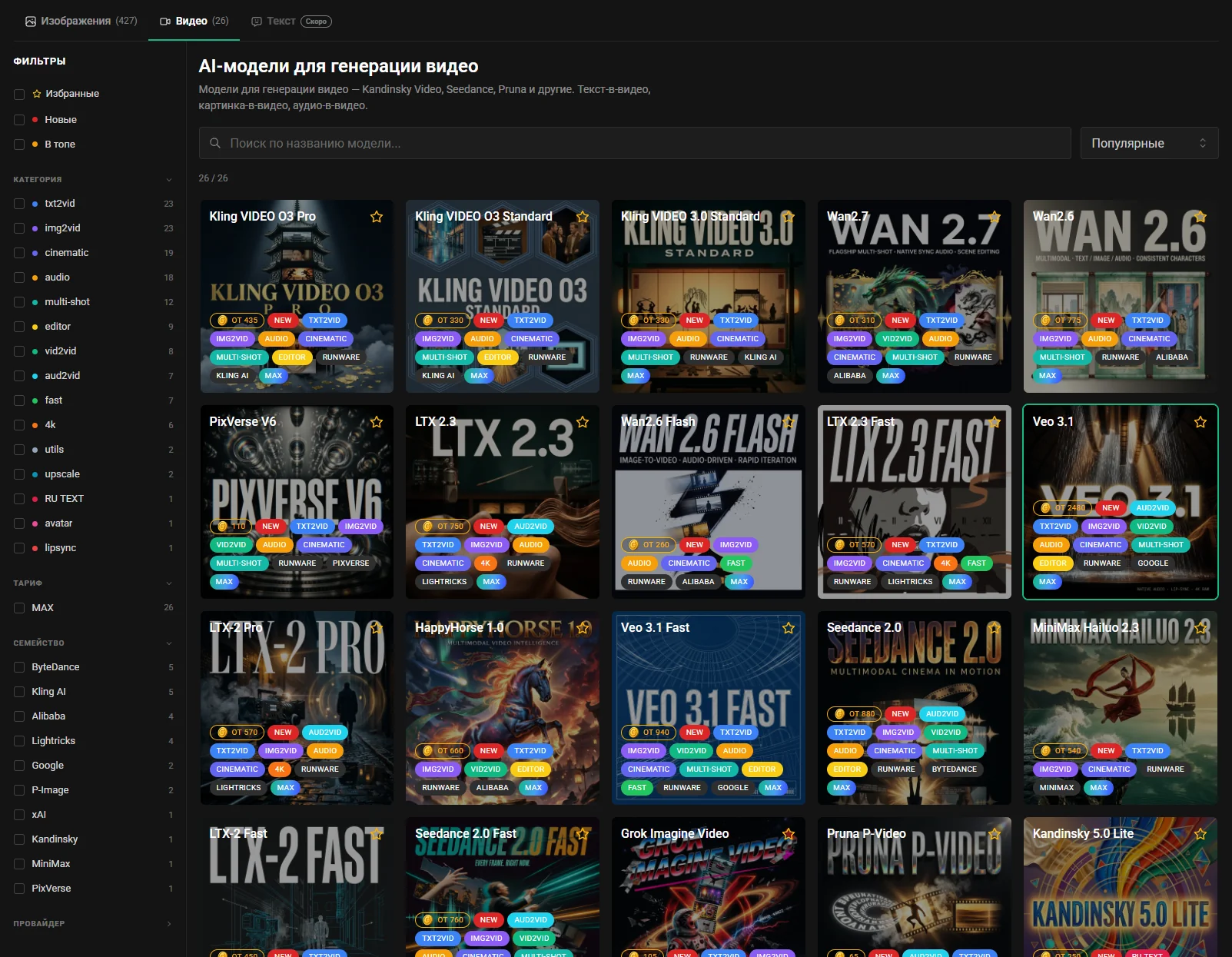
2. New "Video" page
All video models are gathered on a dedicated, convenient page — Kling Video O3, WAN 2.7, PixVerse V6, Veo 3.1, Seedance 2.0, LTX and more. Open a model card to learn more about it and jump straight to generation.
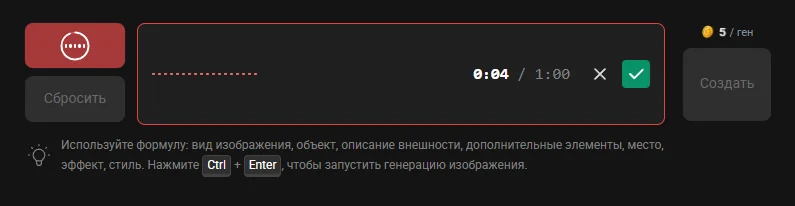
3. Voice prompt input
Why type a prompt by hand when you can just say what you want? All you need is a microphone (or a webcam with one) — dictate your request and it turns into text. The feature costs 1 coin per request.
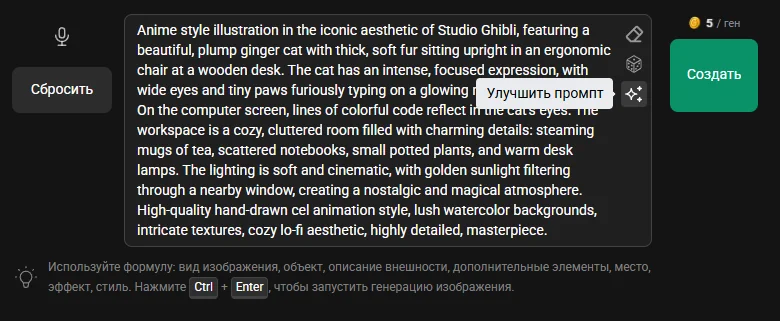
4. Prompt enhancement
A perfect companion to the previous feature: once you've sketched out a prompt, it's time to enhance it with an AI model. The prompt becomes detailed and elaborate, and your generation turns out noticeably better. The feature costs 1 coin per request.
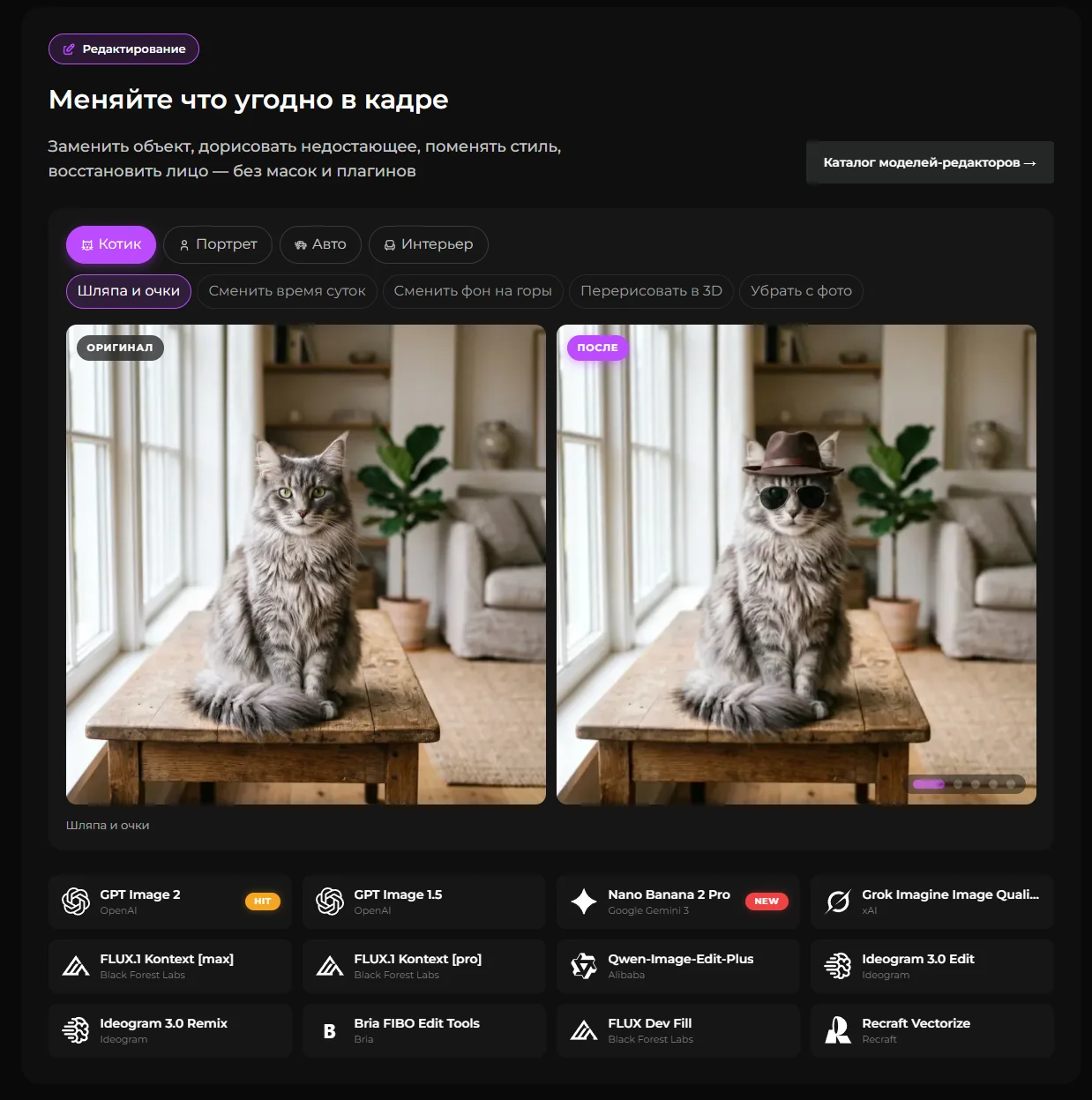
5. Updated "About" page
We completely revamped the About page — be sure to take a look if you haven't yet. You might discover platform features you never knew existed.
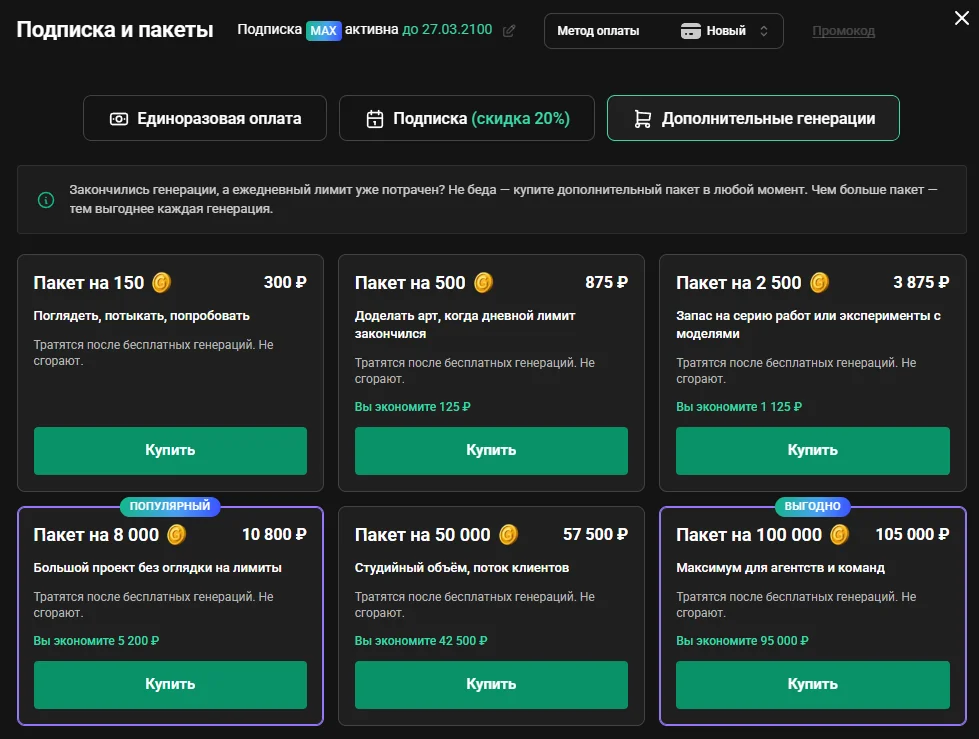
6. New generation packages
We added new coin packages — especially useful for those who plan to generate a lot of video. The principle is simple: the bigger the package, the cheaper each generation. Package coins never expire and are spent after your free daily limit.
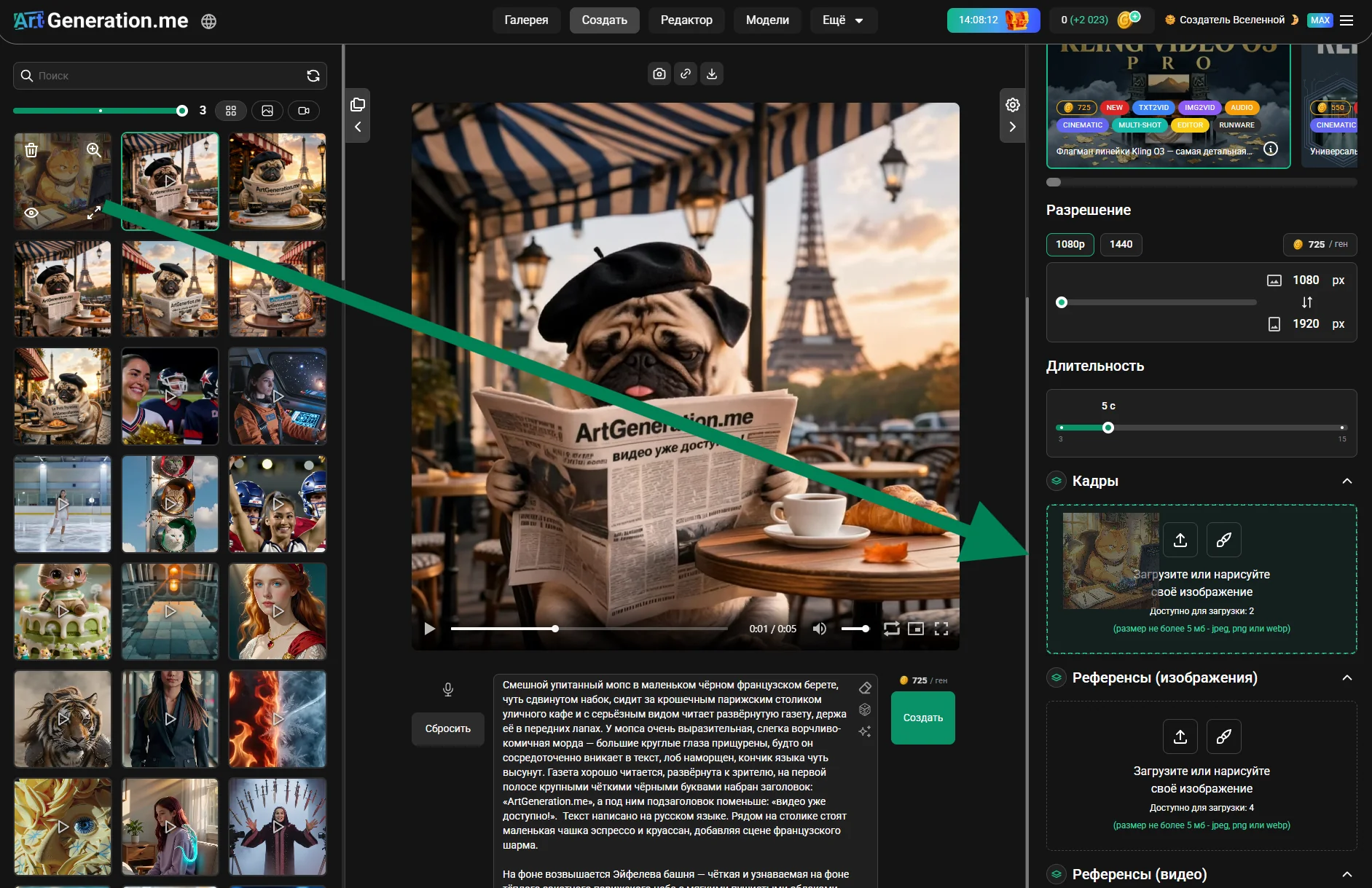
7. Smoother interface
Just drag an image or video from the left side panel straight into the right one — into frames or references. Fast and intuitive.
8. Other improvements
Lots of other improvements, bug fixes and less visible changes under the hood.
Update 9.0
Date: May 11, 2026
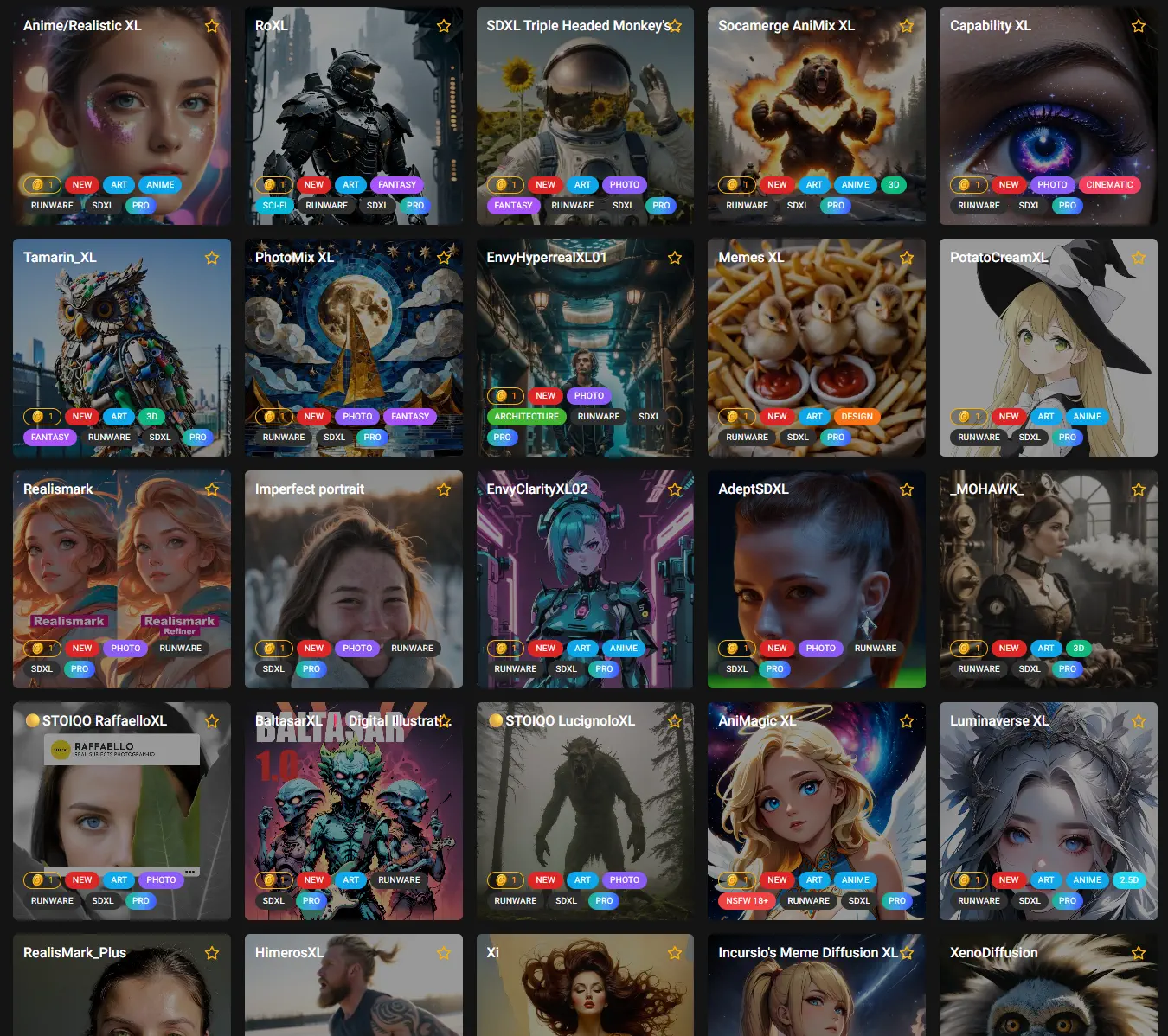
1. 150+ new models in the catalog
SDXL, FLUX and Schnell families have been significantly expanded — realistic portraits, anime styles, NSFW variants, designer and artistic looks. Added Luma UNI and Juggernaut Z models. Browse them all in the models catalog.
2. Recraft Vectorize — SVG generation
Added a brand-new generation type — vector graphics. Three Recraft Vectorize models are supported: one turns a raster image into SVG, two generate SVG directly from text (V4 and V4 Pro). For these models the download menu now has a "Download SVG" button — you get clean vectors with no rasterization. Perfect for logos and icons.
3. Reworked "Sketch" and "Draft" modes for SDXL and FLUX
They now deliver quality close to "Masterpiece" but several times faster. Convenient for tuning your prompt and trying variants quickly — you can get a good result in seconds without waiting for a full render.
4. Unique parameters for proprietary models
Many proprietary models now expose individual extra parameters based on their capabilities: color palettes with weights, special reference modes, web search, "thinking" mode and more. All settings are rendered from each model's own schema — only the ones that actually work are shown. Unused and unsupported parameters are hidden from the interface.
5. Styles — only for matching families
Styles are now displayed only for the families they were designed for — SDXL, FLUX and Schnell. For other models the styles section is hidden entirely.
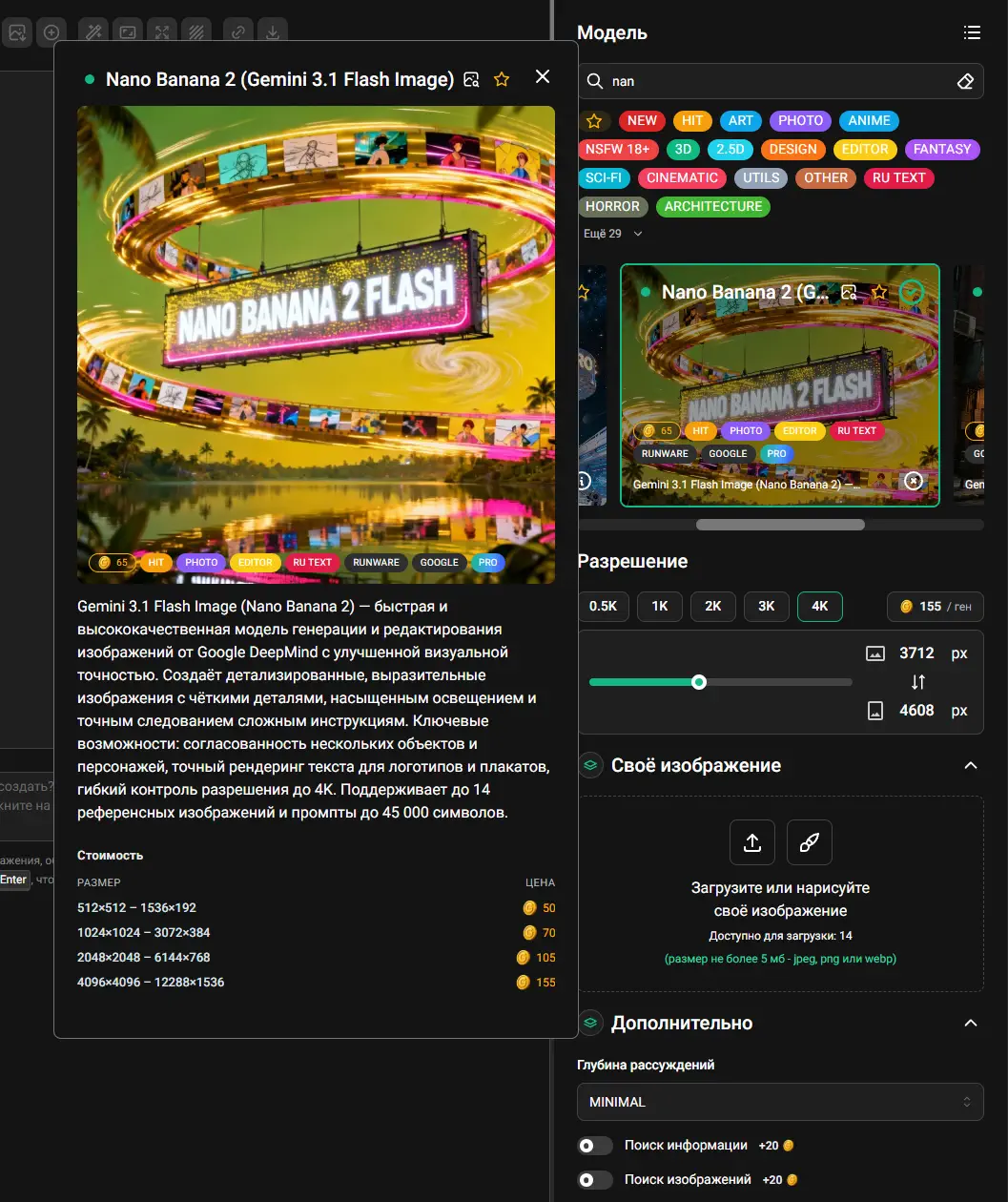
6. Generation cost now depends on resolution
Previously the price was averaged. Now the cost is calculated from real resource usage and tied to the chosen size:
- Low resolutions became cheaper, high resolutions — proportionally more expensive.
- The cost badge shows the price in two places — under the "Create" button and next to the resolution selector, so you see how size affects price.
- Live recalculation when you change size, mode and paid options.
- If an option has a surcharge — +N coins is shown right next to the toggle.
- A cost-by-size-and-tier table is available both in the catalog and inside model details.
- Models with mode-dependent pricing get a separate "Mode → cost" table.
7. Updated models catalog
Redesigned the models catalog and individual model pages.
8. Catalog cleanup
Another round of housekeeping: expanded model descriptions, refreshed categories, re-checked and updated settings for every existing model.
9. Fixes and improvements
Lots of small UI fixes, faster page loads, more stable generation.
Update 8.5
Date: April 27, 2026
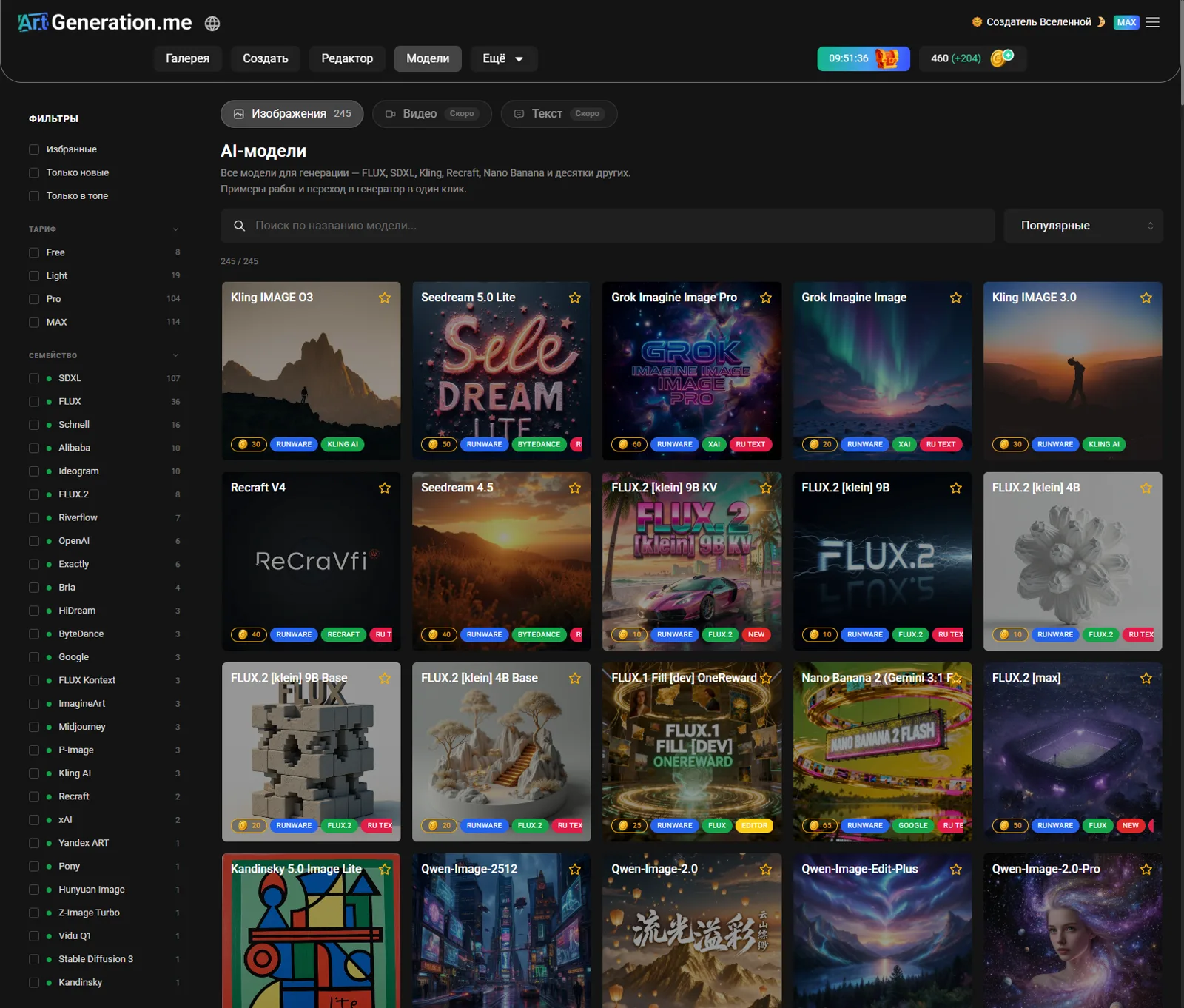
1. New "Models" page
A convenient catalog of all platform models is now available. Open any model's card to see the best images created with it and jump straight to generation in one click.

2. Exactly model series (16 models)
Added 16 Exactly models in two types with different workflows:
Photo (6 models) — turn your image into an almost real photo in the chosen style. Require both an image and a text instruction (what to change in the scene):
- Bright Pulse
- Distant Reality
- Extreme Contrast
- Grain Film Look
- Journey
- Warm Light
Illustrative (10 models) — illustration styles. Work both with and without an image — generate from a prompt alone, or restyle a reference / turn a sketch into a finished illustration:
- Bold Chromatics
- Dark Comics
- Earthy Elegance
- Editorial Line
- Graphic Harmony
- Graphic Novel
- Graphite Creature
- Monochrome Café
- Muted Modern
- Playful Line Adventures
Illustrative models offer two reference modes in their settings — Style transfer (apply the model's style to your image) and Sketch (turn a rough sketch into an illustration with adjustable influence strength).

3. P-Image Upscale model
Added the P-Image Upscale model — an upscaler that increases image resolution while preserving details.
4. Generator refactor
We refactored the generator page — it now loads faster and feels smoother.
5. Fixes and improvements
Fixed old bugs and added new ones.
Update 8.4
Date: April 22, 2026
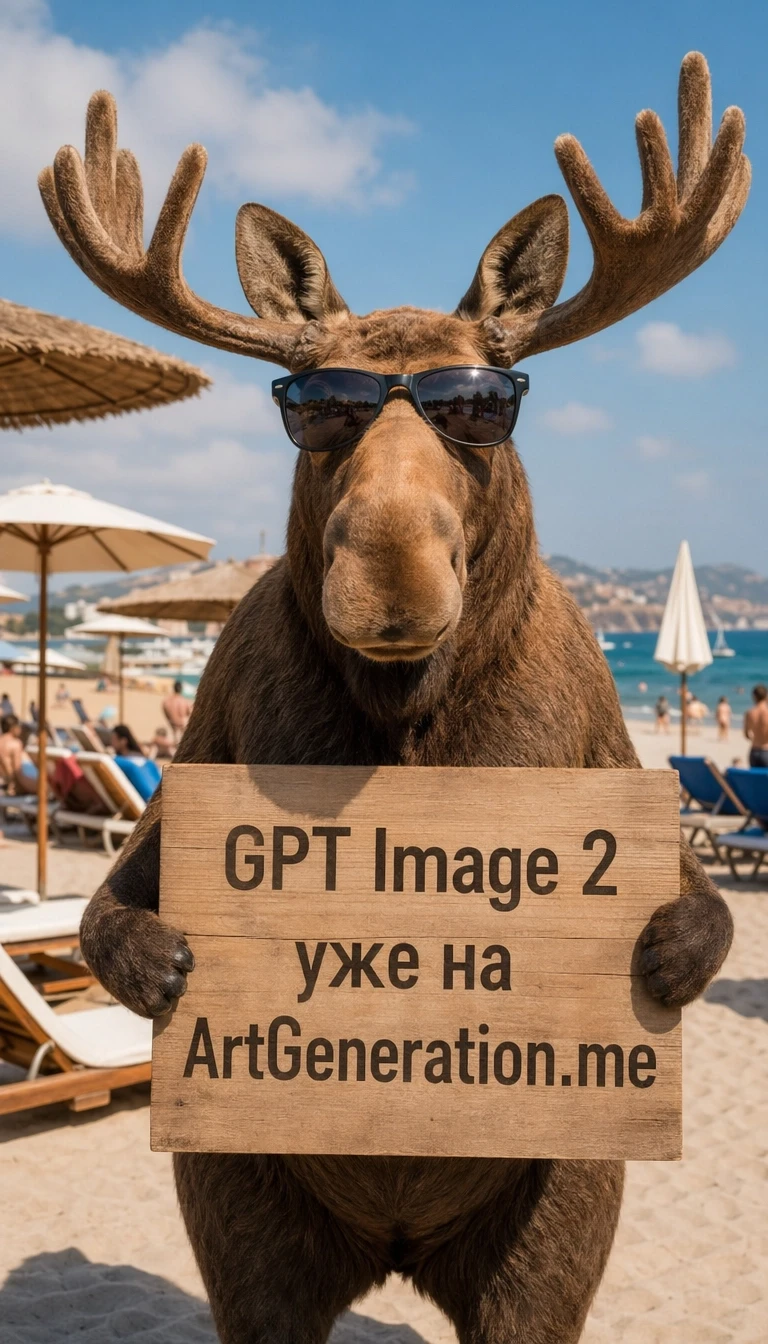
1. New Generation Models
We’ve added 5 new models from leading providers:
- GPT Image 2 (OpenAI) — unified generation and editing with high prompt adherence, strong text rendering, and solid composition understanding. Particularly effective for typography tasks such as posters, infographics, and multilingual text.
- Wan2.7 Image (Alibaba) — unified generation and editing within a shared latent space. Supports avatar customization, color palette extraction and application, region-based pixel editing, multilingual text (12 languages), and composition of up to 12 images in a single request.
- Wan2.7 Image Pro (Alibaba) — a premium version of Wan2.7 Image with improved compositional stability and more precise prompt execution. Includes all base features plus enhanced consistency for professional use cases.
- ImagineArt 2.0 (ImagineArt) — the first reasoning-based text-to-image model by ImagineArt. Combines ultra-realism with cinematic and artistic styles (posters, illustrations, anime). A new color codec delivers vivid, natural colors without washout. Supports up to 4K resolution.
- FLUX.2 [klein] 9B KV (FLUX.2) — a KV-cache optimized version of Klein 9B with up to 2.5× speed improvement for multi-reference image tasks. Enables sub-second text-to-image generation and advanced editing in just 4 steps.
All five models support native Russian language input — prompts are processed directly without translation to English.
2. Fixes and Improvements
Minor bug fixes and stability improvements.
Update 8.3
Date: March 16, 2026

1. New Authentication System — One-Time Password (OTP)
We've completely redesigned the login system. You no longer need to remember a password — just enter your email address and receive a one-time 6-digit code. It's simpler, more convenient, and more secure.
How it works:
- Enter your email in the login field
- Click "Get Code"
- You'll receive an email with a 6-digit code (valid for 10 minutes)
- Enter the code — and you're logged in automatically
OTP advantages:
- No need to create or remember passwords
- Each code is single-use — more secure than a traditional password
- Works with any email provider, including international ones (Gmail, Outlook, etc.)
- No risk of forgetting your password — a new code is always just an email away
Login via Yandex, VK, Odnoklassniki, and Mail.ru is also still available.
Update 8.2
Date: March 14, 2026
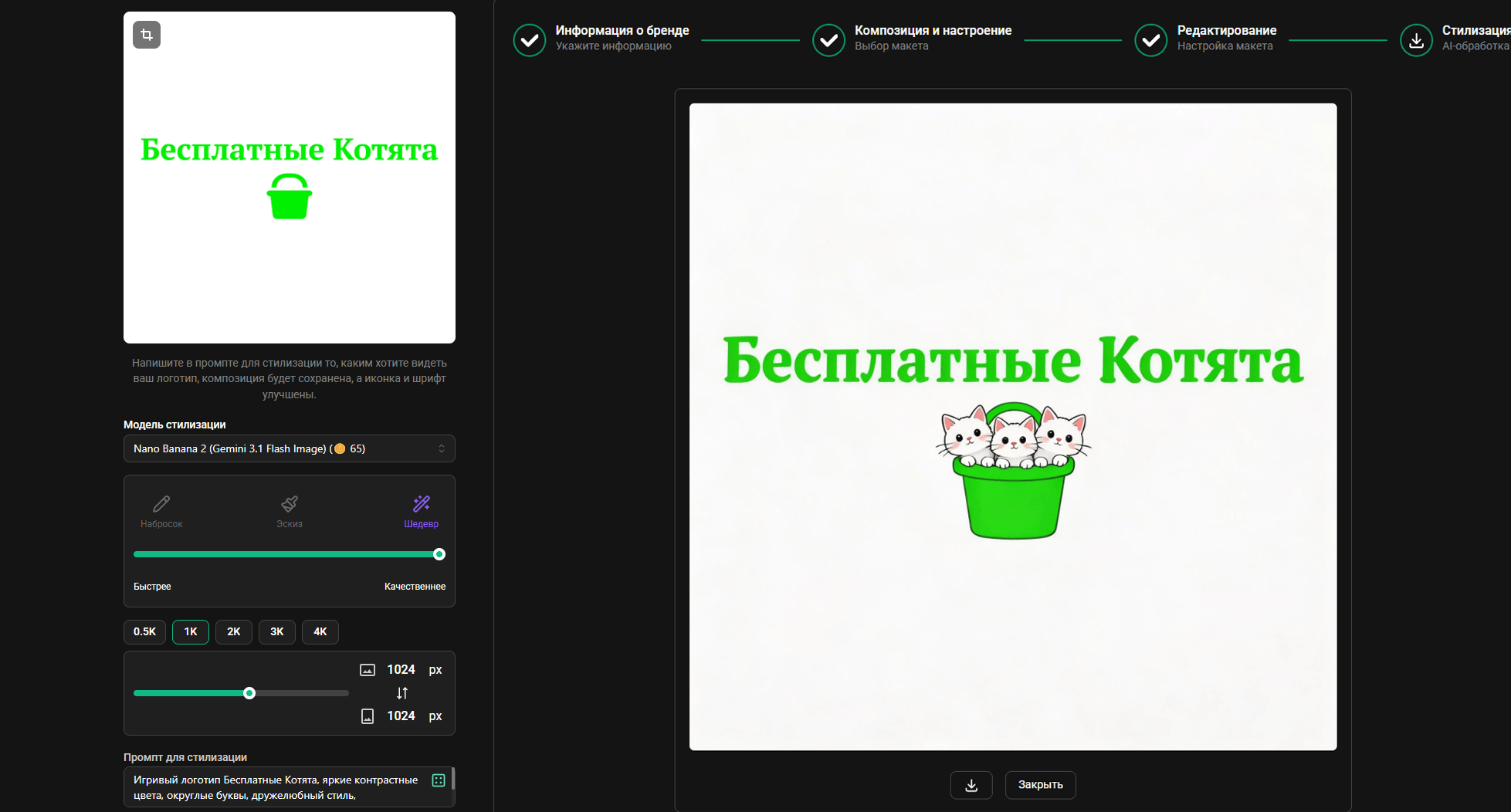
1. Logo Generator
Enter your Cyrillic name, choose one of the templates, edit if needed and stylize using one of dozens of models that support Russian language (look for the RU TEXT category). Experiment with models and prompts!
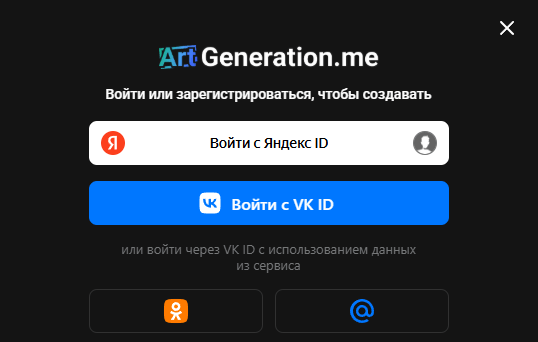
2. New Authorization Widgets
Added Yandex and VK authorization widgets. If you can't see them — disable your ad blocker.
3. New Prompt Translation Model
Switched the prompt translation model — now powered by Gemini 2.5, translation accuracy has significantly improved.
4. New Qwen and GPT Image Models
- Qwen-Image-2.0
- Qwen-Image-2.0-Pro
- Qwen-Image-2512
- Qwen-Image-Edit
- Qwen-Image-Edit-Plus
- GPT Image 1.5 mini
5. Fixes and Improvements
Various minor bug fixes and improvements.
Update 8.0
Date: March 5, 2026
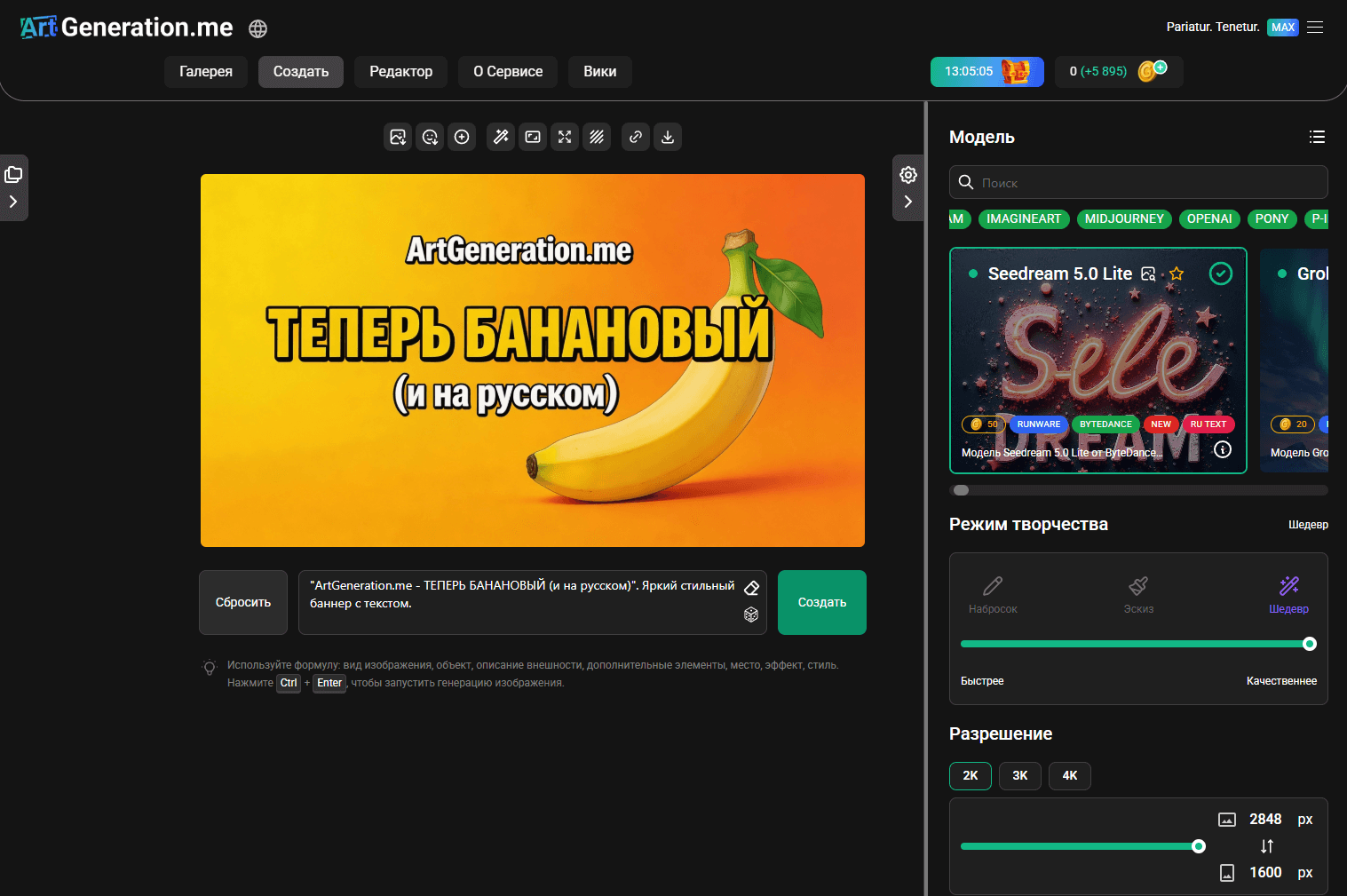
1. New Models and Providers
Added 18 new models from new and existing providers.
Kling AI — new provider:
- Kling IMAGE O3
- Kling IMAGE 3.0
- Kling IMAGE O1
xAI — new provider:
- Grok Imagine Image
Recraft — new provider:
- Recraft V4
- Recraft V4 Pro
Existing provider updates:
- Qwen-Image-2512
- Seedream 5.0 Lite
- FLUX.2 [klein] 9B / 4B / 9B Base / 4B Base
- Bria FIBO Edit / Bria FIBO Edit Tools
- ImagineArt 1.5 Pro
- Nano Banana 2 (Gemini 3.1 Flash)
- WAN 2.6 IMAGE (Alibaba)
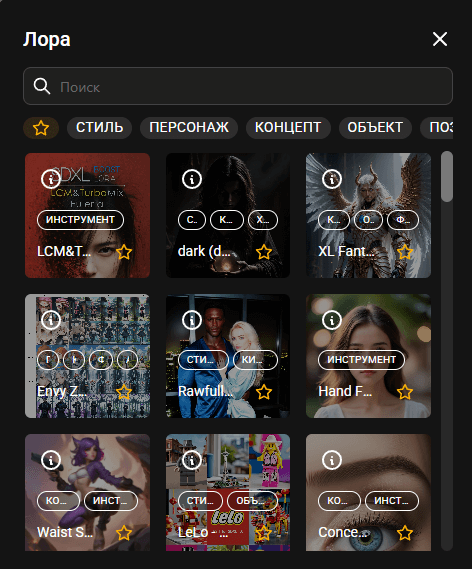
2. LoRA Categories
LoRAs are now organized into categories for easy browsing and finding the right adapters.
3. Russian Prompt Support
Models with native Russian language support now accept prompts without auto-translation. Look for the RU TEXT label in the model catalog.
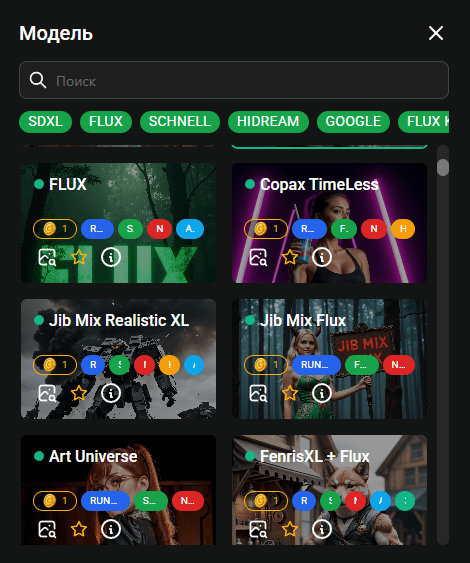
4. Model Catalog Cleanup
The model catalog has been reorganized — correct category names, descriptions and settings.
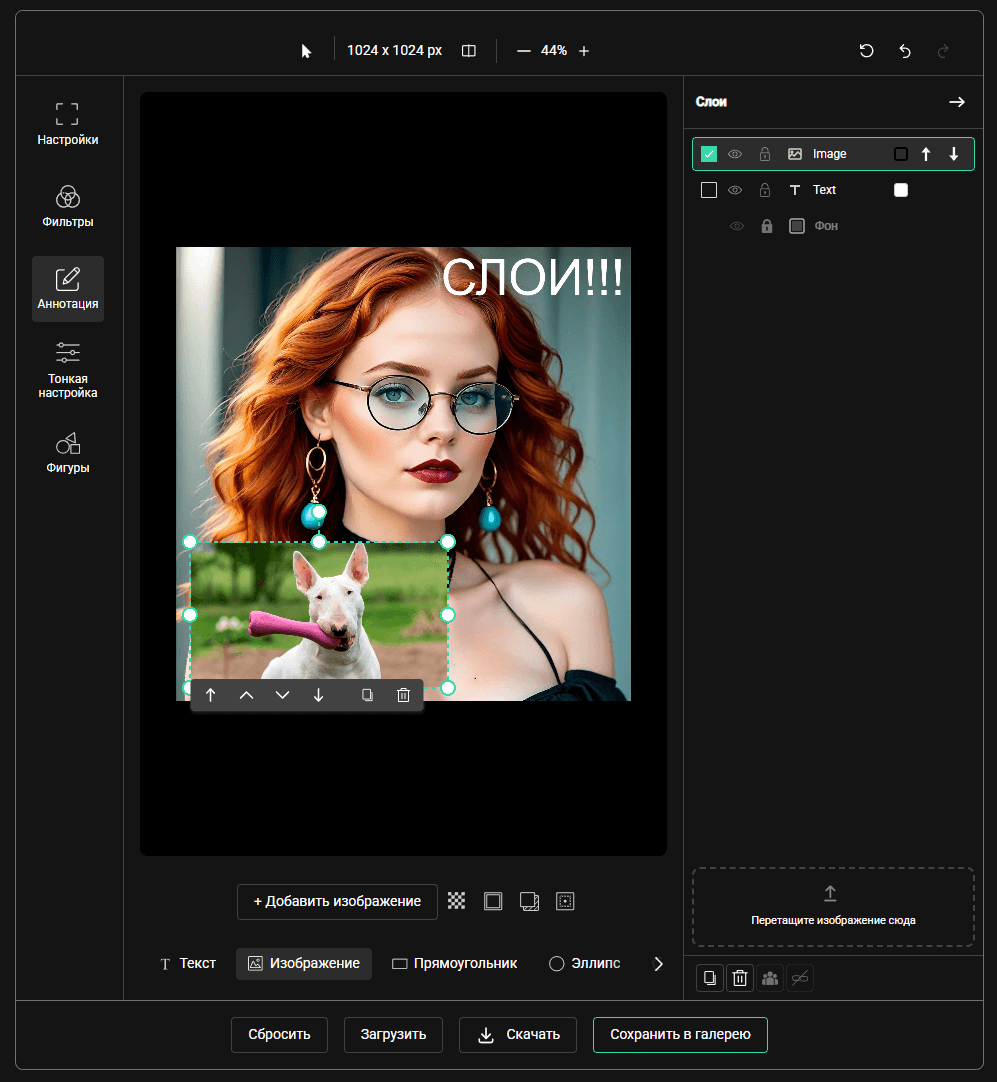
5. Editor Layers
Layers have been added to the editor — combine multiple images, manage multiple objects more conveniently. Creating is now easier!
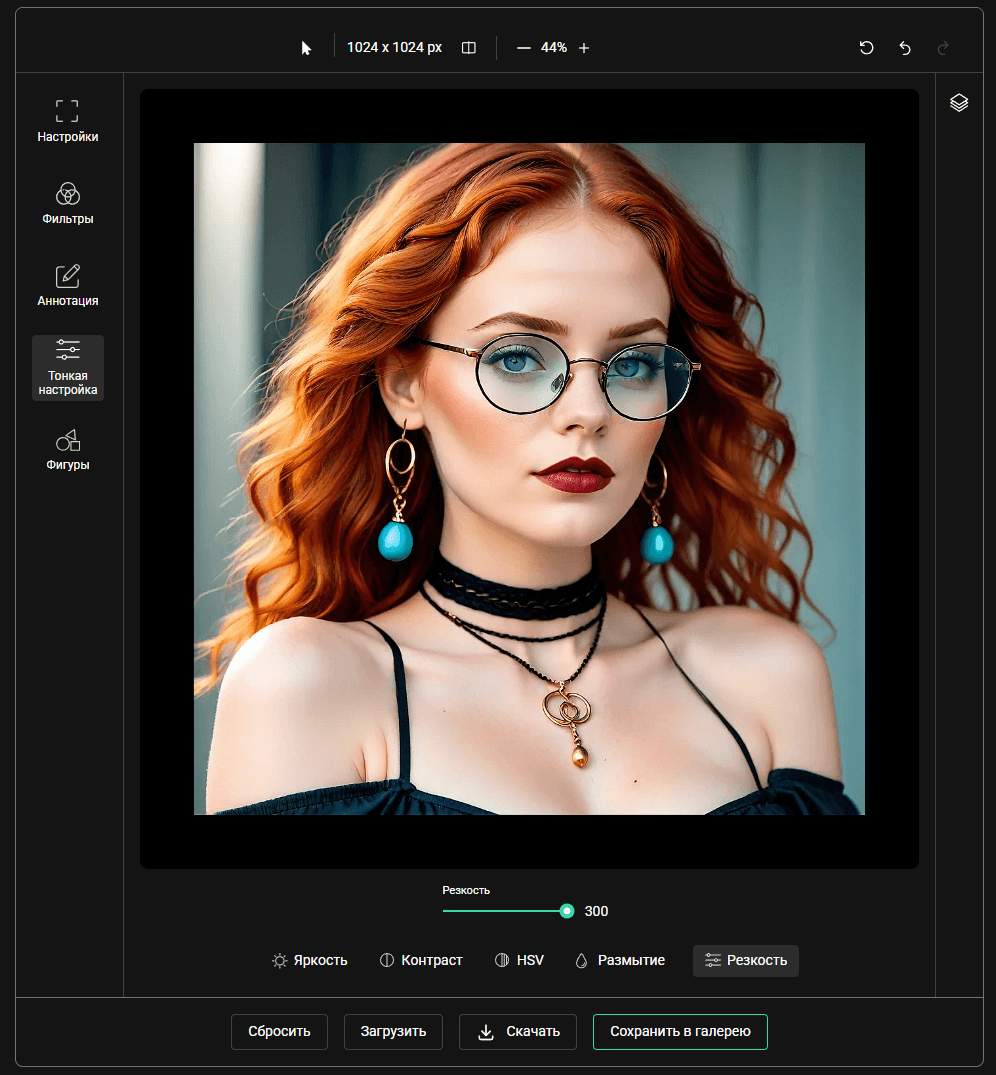
6. Sharpness Setting
By popular request, a Sharpness setting has been added that significantly improves sharpness of even the blurriest generations. Especially useful for re-generation.
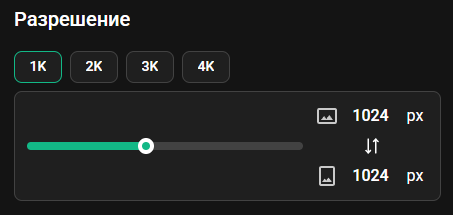
7. Resolution Presets
Conveniently choose the desired image size using resolution preset buttons.
8. Faster Image Delivery
Significantly improved image delivery speed by switching to WebSocket — images are displayed without delays.
9. Fixes and Improvements
Fixed style images and many other less noticeable fixes and improvements.
Update 7.8
Date: February 26, 2026
1. New Documentation — Anyone Can Contribute!
Full platform documentation has been launched at artgeneration.me/docs. The best part — any user can contribute and improve it!
How it works:
- Open the documentation page you want to fix
- Scroll down and click the "Edit on GitHub" link
- Make your edits right in the browser
- Click "Propose changes" and create a Pull Request
After moderator review, your changes will appear on the site. No software installation required — everything is done in the browser!
Detailed instructions are available in the "How to Edit Documentation" section.
2. Hundreds of New Models and LoRAs Added
Massive resource library expansion: 77 models (20 PRO + 57 MAX) and 133 LoRAs.
SDXL Models (45)
- [PRO] PixelWave
- [PRO] _CHEYENNE_
- [PRO] T-noobnai3
- [PRO] Ratatoskr (Animal, Creature and Furry)
- [PRO] SDXL HK
- [PRO] AniVerse XL
- [PRO] Nevolution XL/IL
- [PRO] SereneXL
- [PRO] RealArchvis
- [PRO] PhotoArt
- [PRO] UrangDiffusion v3.1
- [PRO] Landscape Anime Pro
- [MAX] CyberRealistic XL
- [MAX] Jib Mix Realistic XL
- [MAX] Art Universe
- [MAX] FenrisXL + Flux
- [MAX] 9527 Detail Realistic XL
- [MAX] LizMix
- [MAX] Photonic Fusion SDXL
- [MAX] Realism from HaDeS XL
- [MAX] FLUX
- [MAX] DucHaiten-AIart-SDXL
- [MAX] Colossus Project XL (SFW&NSFW)
- [MAX] Realities Edge XL — LIGHTNING + Turbo!
- [MAX] CounterfeitXL
- [MAX] DevlishPhotoRealism SDXL
- [MAX] BreakDomainXL
- [MAX] WoW_(XL+PD+Flux)
- [MAX] WyvernMix (1.5 & XL)
- [MAX] SDXL Yamer's Anime — Unstable Illustrator
- [MAX] Reproduction | SDXL
- [MAX] BriXL
- [MAX] Cherry Picker XL
- [MAX] FormulaXL
- [MAX] GuoFeng4 XL
- [MAX] SDXL MergeHeaven
- [MAX] MBBXL Ultimate
- [MAX] BrightProtoNuke(BPN)
- [MAX] XL13 Asmodeus (SFW & NSFW)
- [MAX] AltXL
- [MAX] Kohaku-XL alpha
- [MAX] SDXL Yamer's Realism! — Realistic/Anime/3D
- [MAX] Paradox SD XL 1.0
- [MAX] ChimeraMi(XL)
- [MAX] BENTO
Flux Dev Models (21)
- [PRO] Flux1-DedistilledMixTuned
- [PRO] Nepotism
- [PRO] Artsy Vibe
- [PRO] RedCraft (Single File)
- [PRO] FenrisXL + Flux
- [PRO] Moxie Flux1 DS
- [MAX] Copax TimeLess
- [MAX] RedCraft | DX3 Distilled
- [MAX] Jib Mix Flux
- [MAX] Colossus Project Flux
- [MAX] NightVisionXL
- [MAX] Flux Film Edition
- [MAX] blue_pencil-flux1
- [MAX] ASTRAL FORGE FLUX
- [MAX] TinFlux1
- [MAX] C4PACITOR
- [MAX] Helheim Flux
- [MAX] Artsy Dream
- [MAX] Simulacrum V4
- [MAX] Shuttle 3.1 Aesthetic
- [MAX] Flux1-DedistilledMixTuned
Flux Schnell Models (11)
- [PRO] Moxie Fusion Flux
- [MAX] Shuttle-Mixes
- [MAX] razor-8step-rapid-real
- [MAX] GeekyFluxSchnell v1&v2
- [MAX] AnimePro FLUX
- [MAX] RealFlux 1.0b
- [MAX] DemonFlux
- [MAX] Azazeal Flux Schnell Dev Merge
- [MAX] Flux Pure Merge BF16
- [MAX] ArtFusion Flux CCA 4-steps
- [MAX] lyh_anime_Flux
SDXL LoRAs (66)
Detail Tweaker XL, All Disney Princess XL, Extremely Detailed, xl_more_art-full / xl_real / Enhancer, Hands XL, DetailedEyes_XL, Perfect Eyes XL, SDXL Lightning LoRAs, Midjourney Mimic, Pixel Art XL, Control LoRA Collection, Sinfully Stylish, SPO-SDXL_4k, Logo.Redmond, Envy Zoom Slider XL, SDXL FaeTastic Details, Detailers By Stable Yogi, Harrlogos XL, Juggernaut Cinematic XL, LCM-LoRA, Dark Chiaroscuro Lighting, LCM&TurboMix LoRA, Better Faces LoRA, Zavy's Dark Atmospheric Contrast, Cinematic Shot, LineAniRedmond, Aesthetic Anime LoRA, Detailed Perfection Style, XL Fantasy Knights, Concept: Perfect Eyes, Hand Detail FLUX & XL, ParchartXL, ClassipeintXL, Feet XL, Realistic Skin Texture, Rawfully Stylish, Real Humans, Greg Rutkowski Style, Hand Fine Tuning, GlowNeon XL, WowifierXL, Eye Catching Sliders, Matte (Vanta)Black, Waist Slider XL, Add More Details, STYLES | PONY & ANIMAGINE, Cyberpunk Anime Style, LeLo — LEGO LoRA, Cute Social, 80s Fantasy Movie, The Art of War, Fantasy Light Show, AudreyVisageBlonde, GTA: V, Frontier Architecture, Lady (Mary) from DMC XL, Wedding Girl SDXL, DonM — Fairy Wings, Rough Color Sketch, Abstract Art, Illyasviel von Einzbern (x2), 海虎画风, Style of Herbarium, FF Style: HOT RISING NEW, Chrome by Dever
Flux Dev LoRAs (60)
Hands XL, F.2 Midjourney V6.1 meets FLUX, UltraRealistic Lora Project, Retro Anime Flux, FLUX [pro] 1.1 Style — Extreme Detailer, FLUX Image Upgrader / Detail Maximizer, Amateur Photography, Realistic Skin Texture, Cyberpunk Anime Style, XLabs Flux Realism LoRA, Epic Gorgeous Details, Comic Book, Hyper Realism by aidma, Character Design Sheet (3 Perspectives), Sinfully Stylish, Illustration Concept, Semi-realistic Portrait Painting, 2000s Analog Core, Realistic/Aesthetic Poses, Boreal-FD, Daubrez Painterly Style, SameFace Fix, Dark Fantasy (Flux.1D), Fantasy Wizard & Witches, Flux Vividizer, Neurocore Anime Shadow Circuit, Flat Colour Anime, Dark Side of Light, Niji, Frank Frazetta Style Oil Painting, NEW FANTASY CORE, Feet XL, Elden Ring — Yoshitaka Amano, Hand Detail FLUX & XL, SXZ Dark Fantasy, Flux Detailer, Cinematic Shot, Text Improver, Matte (Vanta)Black, Artify's Fantasy and Sci-Fi Art, Dynamic Poses FLUX + SDXL, Flux Image Enhancer, Realistic People Photograph, 娜乌斯嘉 Realistic, 360 Degree, Sonja Milschbaum Zahn, Point and Click Adventure Style, TROPICAL VILLA, Retro/Vintage Warm Tones, Kendall Jenner, Yoga Pants, HMSG Portrait, Blame!, Integra Hellsing, Minami Hamabe, khrushchyovka, Luo Tianyi, Tamannaah Bhatia, Eric Draven The Crow, Amy Sue Cooper
Flux Schnell LoRAs (7)
Ozge Ozacar, Watercolor Painting Schnell, Studio Ghibli Schnell, MASC — Realistic Masculine, Dexter Morgan, NINJA, Architectural Design
Update 7.5
Date: October 13, 2025
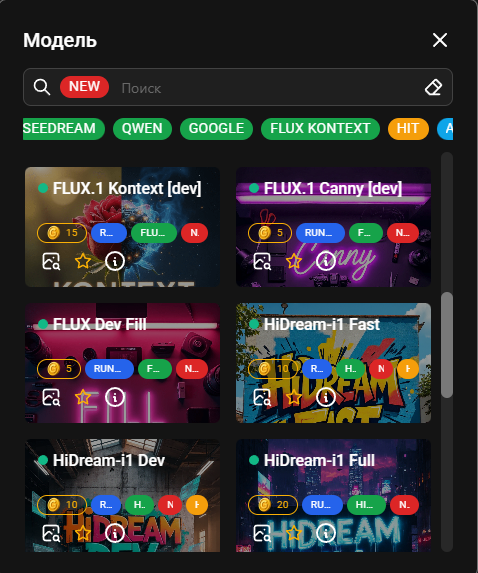
1. New AI Models
Added many of the most current models. From Juggernaut Base Flux and HiDream-i1 to the latest image editing models Seedream 4.0 and FLUX.1 Kontext [dev].
Pay attention to generation costs and model operation modes.
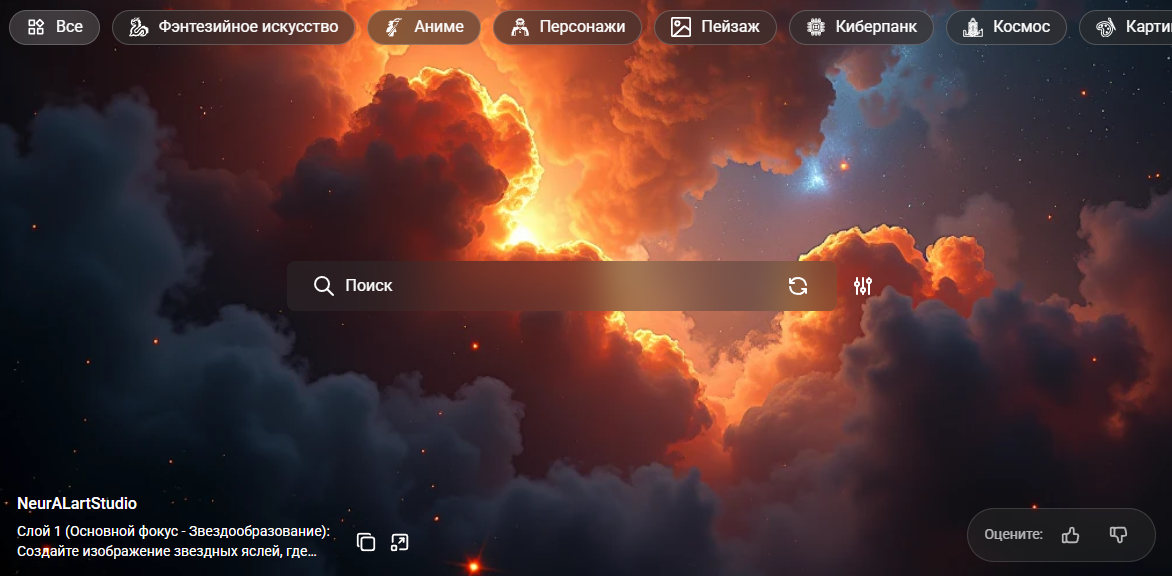
2. Background Image Rating
Added background image rating functionality. Leave a rating if you like the background image, we will show the best ones more often and disable unsuccessful ones.
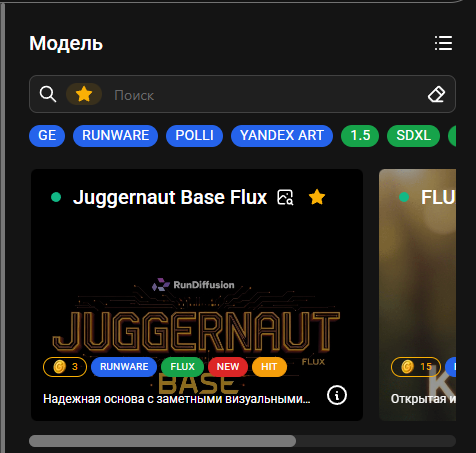
3. Favorite Resources
Added functionality for marking Favorite models, styles and loras. Just click the star, and all starred items will be displayed in a separate sort.
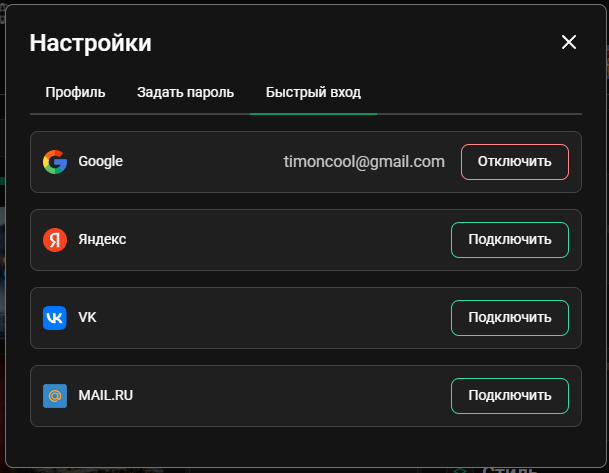
4. Account Linking
Added functionality for linking accounts with quick authorization tools. Now you can add additional login methods to your profile and disable unnecessary ones.
5. Fixes
Fixed old bugs and added new ones. Many various small fixes and performance improvements.
Update 7.0
Date: July 7, 2025
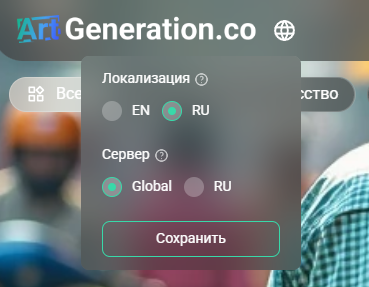
1. International Version of the Site
Launched a new version of the platform at artgeneration.co for users outside Russia. Provides a more reliable communication channel and the ability to pay with international cards.
These are separate servers with different databases and legal entities, account and history transfer is not possible.
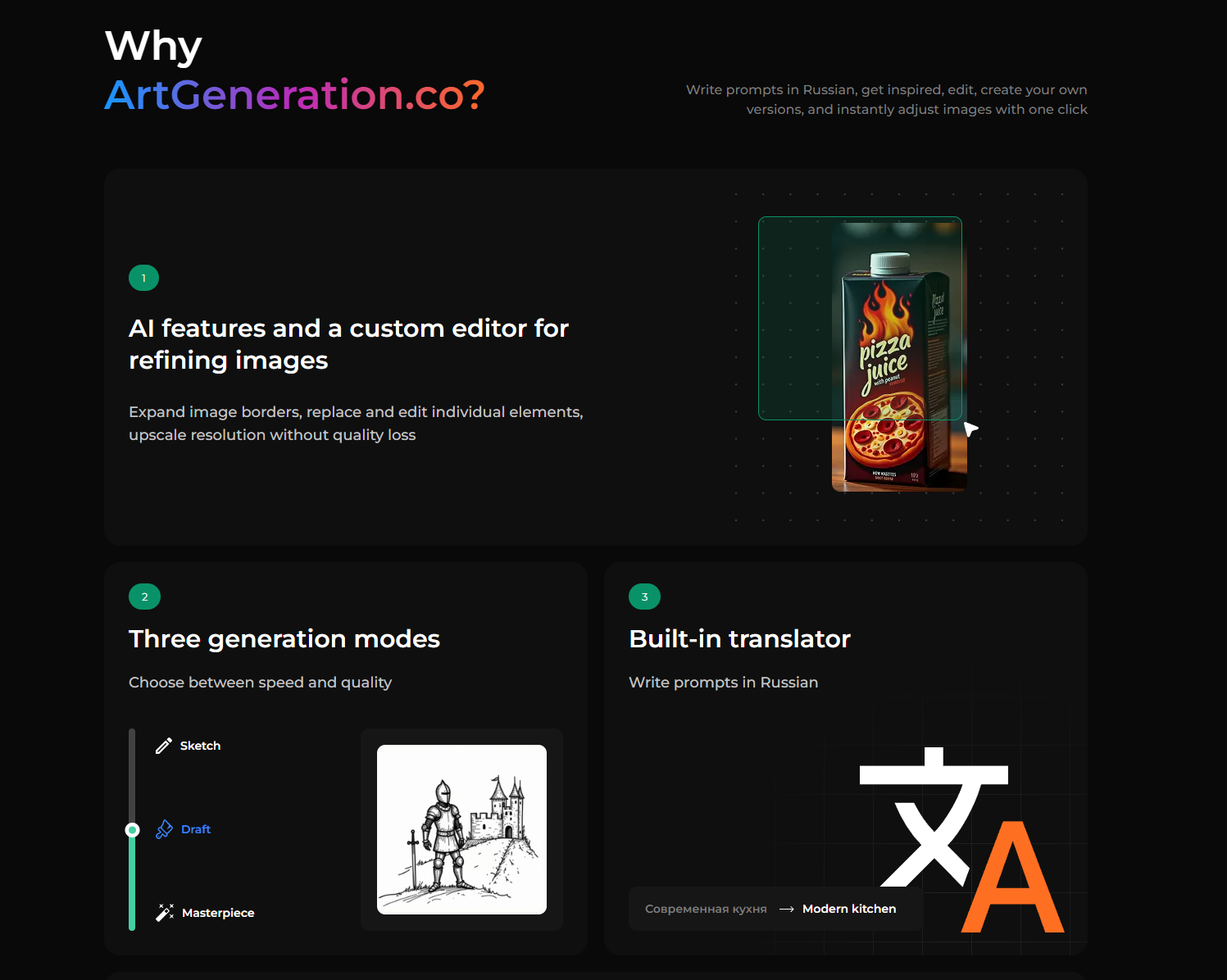
2. Interface Localization
Added option to select interface language regardless of server geography. Current support: Russian and English with plans for expansion.
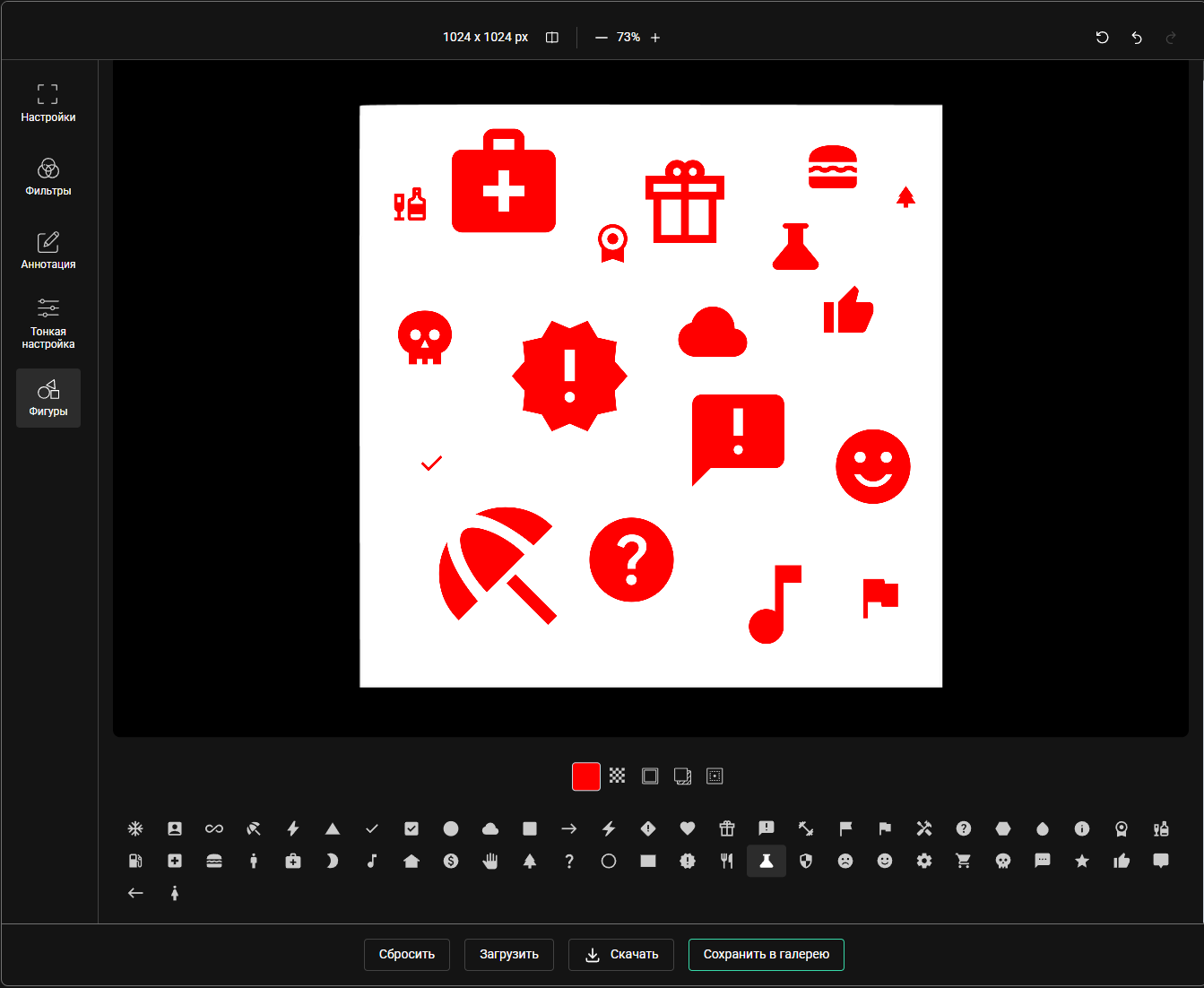
3. New "Shapes" Menu in Editor
Complex shape icons for adding to works. Features: color change, size adjustment, shadow addition. The function supports use as a design element and as a base for generation through the "Own Image" option.
4. Technical Improvements
Many small bug fixes and performance improvements.
Update 6.3
Date: May 9, 2025
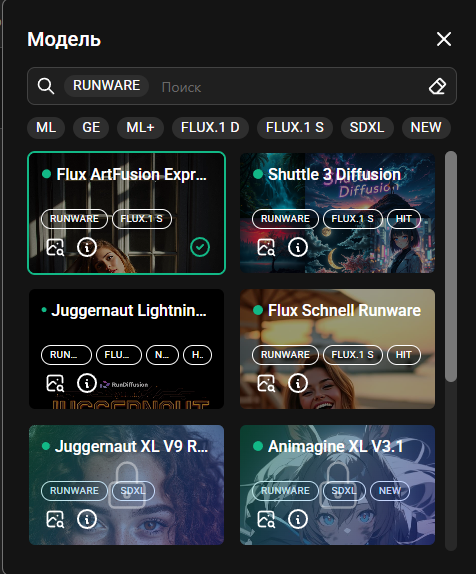
1. New Premium Provider Runware
Added a provider with many models: traditional SDXL with priority access and new Flux 1 D. Flux 1 S — specialized fast models only in "Sketch" mode. Available on Max, Flux 1 S models also on Pro.
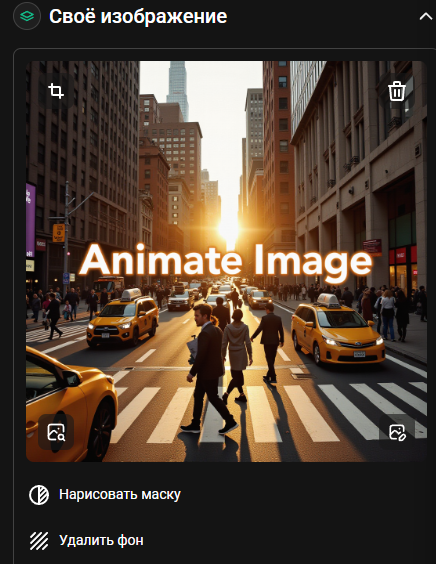
2. Background Removal Button
Separate button added for convenient background removal from own images.
3. New "About Service" Page
Added information page and updated navigation.
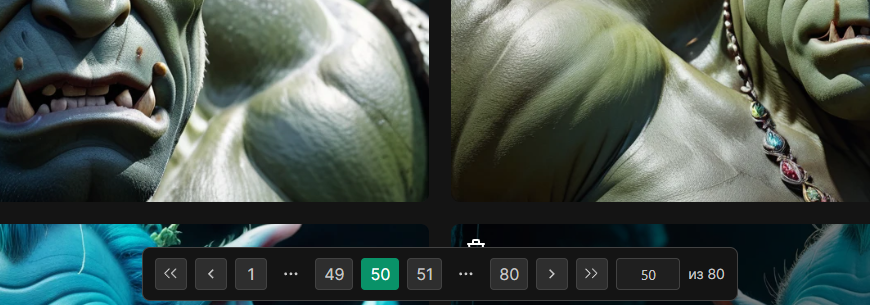
4. Updated Pagination
Now you can specify an arbitrary page for quick navigation.
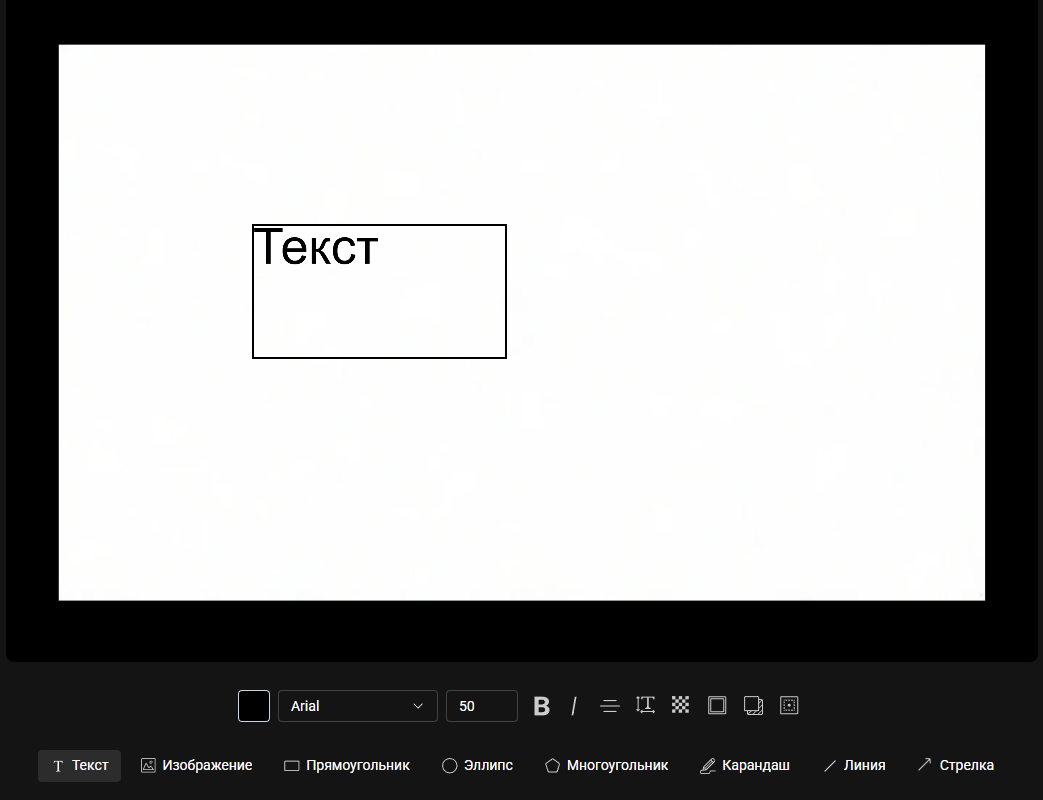
5. Reduced Text in Editor
Reduced number of text elements in the interface.

6. Editor Open Button
Added ability to edit own image before use.
7. Pollinations Provider
Added SDXL Turbo and Flux 1 S models optimized for fast generation. Available on all tiers, including free.
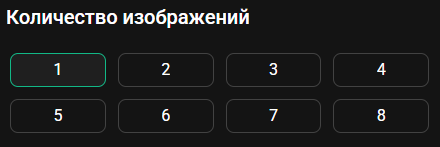
8. Multiple Generation
On Runware you can generate up to 8 images at once (Max tier).
9. Technical Improvements
Many bug fixes and performance optimization.
New ML+ Provider
Date: April 19, 2025
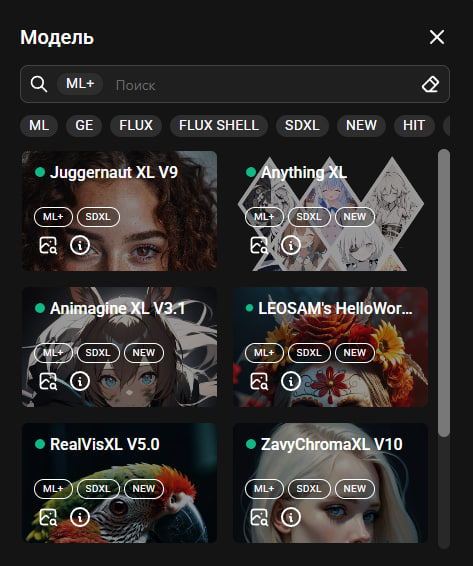
Introduced new dedicated ML+ channel for all paid tiers. Previously there was a drop in quality from one of the providers, which affected the unavailability of popular SDXL models.
8 SDXL Models in ML+:
- Juggernaut XL V9
- Anything XL
- Animadine XL V3.1
- LEOSAM's HelloWorld
- RealVisXL V5.0
- ZavyChromaXL V10
- NightVision XL V9
- RealCartoon XL V7
20 Available LoRAs:
GlowNeon XL, Fantasy Wizard, Perfect Eyes XL, Midjourney Mix, Detail Tweaker, Perfect Hands, ParchartXL V2, ClassipaintXL, TShirtDesignR, SDXL Film Photo, Stickers Redmond, Sketchi, Logo Redmond, Cinematic Shot, Epic Fantasy S, Realistic Skin, Dissolve Style, Crystals, Painted World, Flat Colour Anime
Development Plans
- Expanding models for free tiers
- Increasing Flux model collection
Update 6.1
Date: March 23, 2025
1. Style Names, Categories & Descriptions
Styles are now organized into 10 categories:
- ART — Artistic styles (traditional and digital art)
- PHOTO — Photography (photographic styles and techniques)
- DIGIT — Digital art (computer graphics)
- GAME — Game graphics (video game styles)
- PAPER — Paper art (paper art techniques)
- FUTURE — Future (futuristic/sci-fi styles)
- ADS — Advertising (commercial visual styles)
- TRAD — Traditions (classical art techniques)
- FX — Effects (visual effects and enhancements)
- CULT — Culture (ethnic and cultural styles)
2. Best Works in Settings
Beautiful works should delight more often — now quality generations are displayed in the settings window, not just on the login screen.
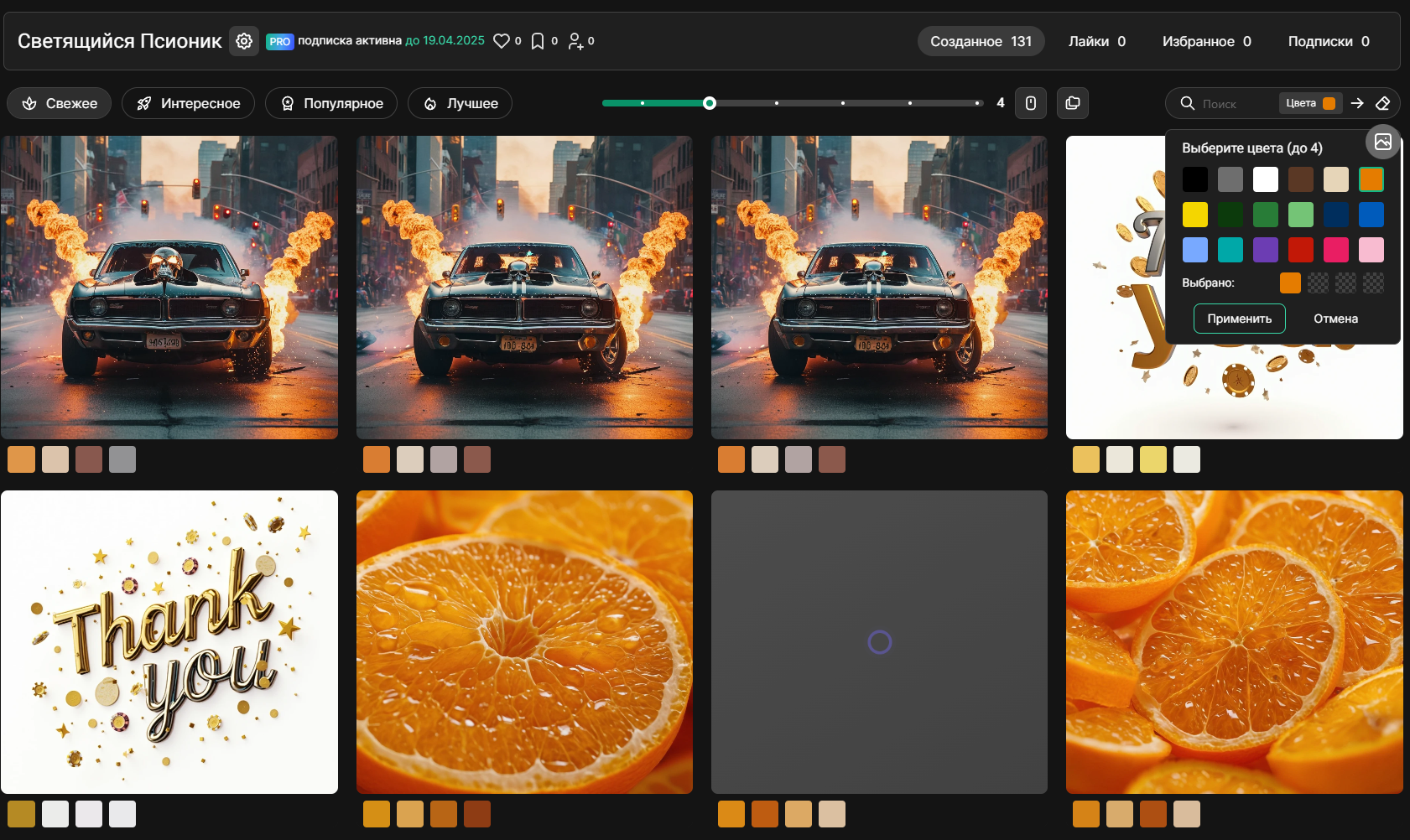
3. Color Search Function
Users can search images by specific colors or create mood-based collections.
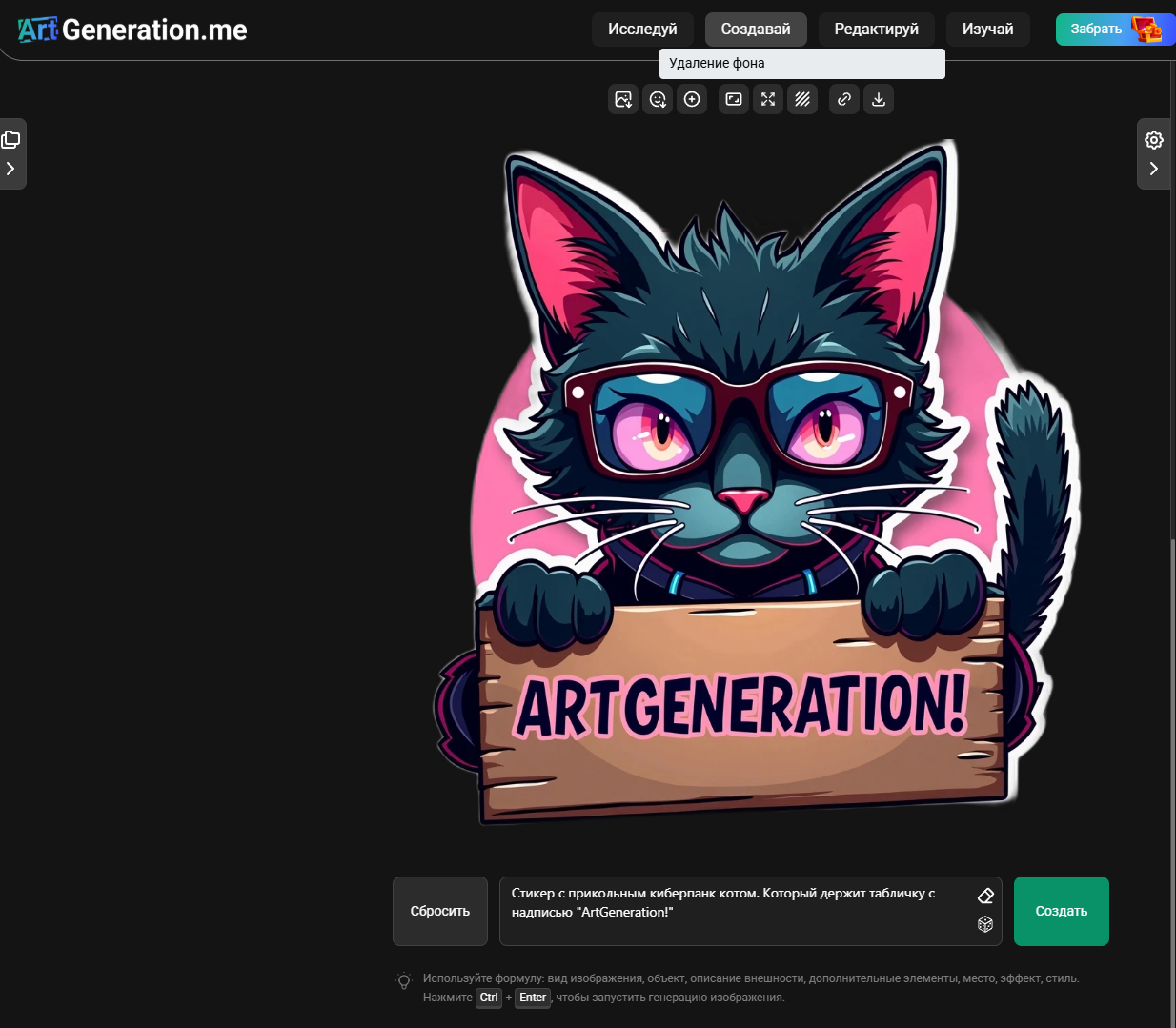
4. Background Removal Tool
Now you can create stickers without leaving the service.
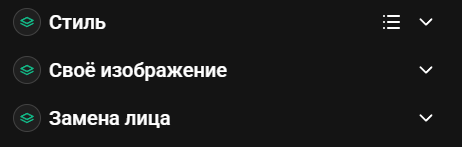
5. Collapsed Layers by Default
For convenience and compact interface.
6. Image Editor Fixes
Restored functionality for shadows, stroke, transparency and related features.
7. Account Deletion Feature
Irreversible account deletion available in settings; welcome bonus cannot be reissued.
8. Fixes and Optimization
Many small optimizations, fixes and interface improvements.
Update 6.0
Date: February 21, 2025
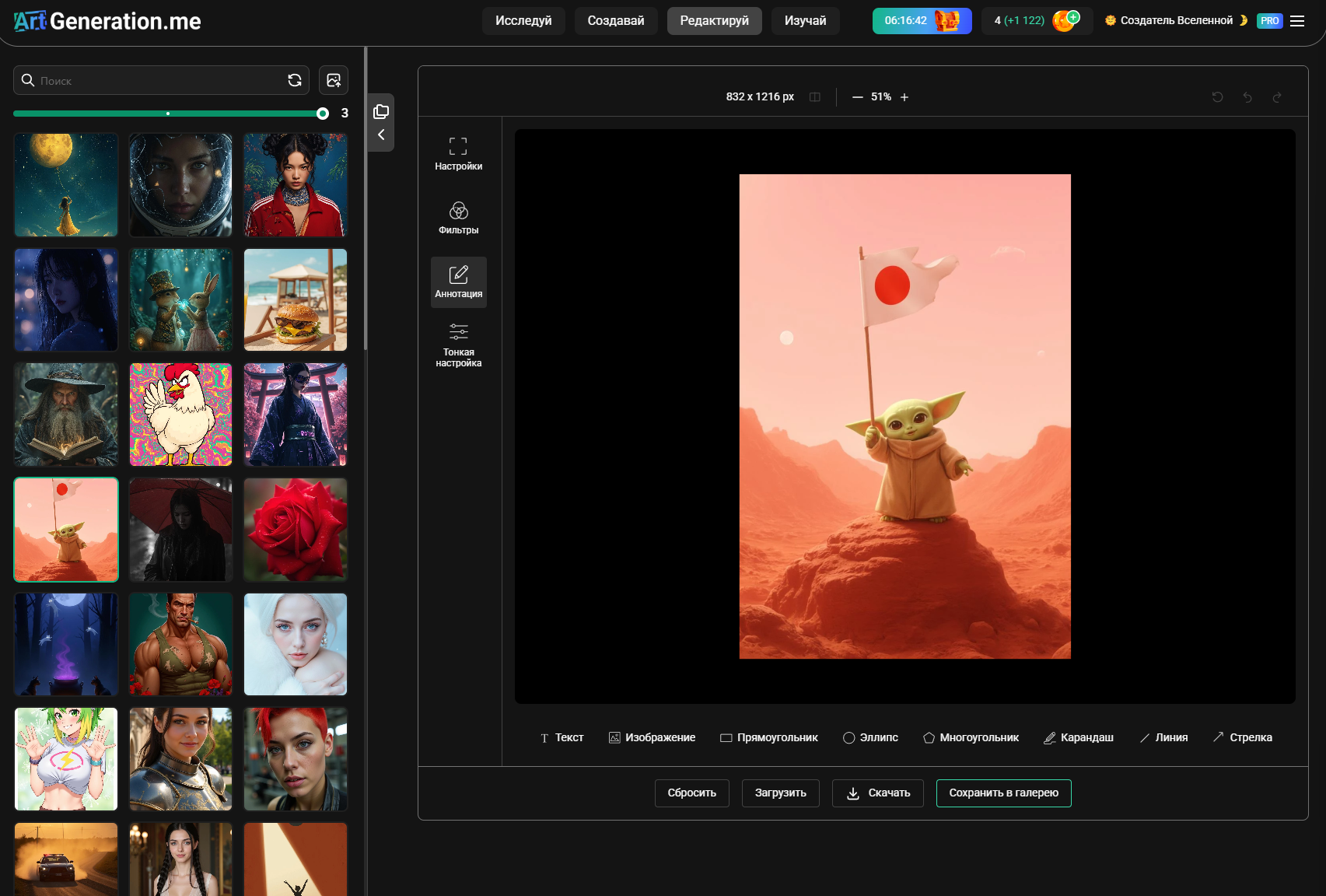
1. Bulk Image Operations
Bulk file operations are available in personal cabinet. Select them with checkboxes and delete using a convenient popup panel. Additional file operations planned for future releases.
2. Date Folders
Now all your images are available for viewing in folders with generation dates. You can view or delete entire folders at once. Pagination and bulk actions available.
3. Bulk Image Downloads
New settings option allows requesting image archives for specific periods. Processing time depends on image quantity. Download links are sent to email and remain active for 72 hours. Only one active archive allowed at a time.
4. Dedicated Image Editor
The image editor got a separate page at artgeneration.me/editor. Allows quick image editing — upload from device or select previously generated, then download or save to gallery.
5. Expanded Style Library
We've collected probably all unique styles created by humanity — 307 in total. Each style includes 5 preview variations for accurate visualization. Named categories and better organization coming soon.
6. Combine Up to Three Styles
Users can combine up to three styles simultaneously for creative experiments. Warning: excessive combinations may produce unpredictable results.
7. New AI Models
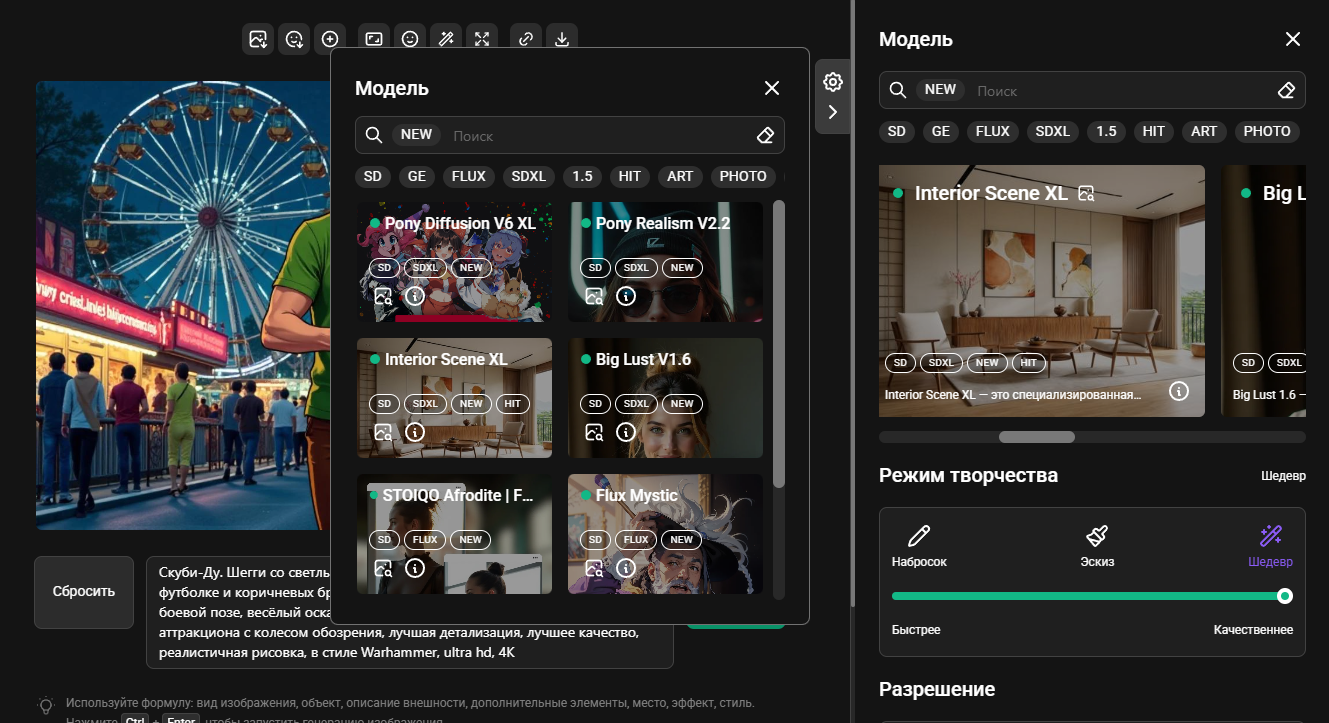
- YiffyMix v52 XL
- Pony Diffusion V6 XL
- Pony Realism v2.2
- Interior Scene XL
- Big Lust XL v1.6
- STOIQO Afrodite FLUX
- Flux Mystic
8. Legacy Model Removal
The technology has long been considered outdated — version 1.5 models have been removed. XL equivalents now replace older model options.
9. Interface Improvements
Numerous minor bug fixes and performance improvements across the platform.
Update 5.5
Date: January 16, 2025
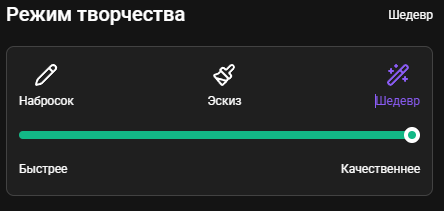
1. Creative Modes
Feature allows users to select mode based on priorities:
- Sketch Mode — image will be generated several times faster, but with lower quality
- Masterpiece Mode — maximum quality, but generation takes more time
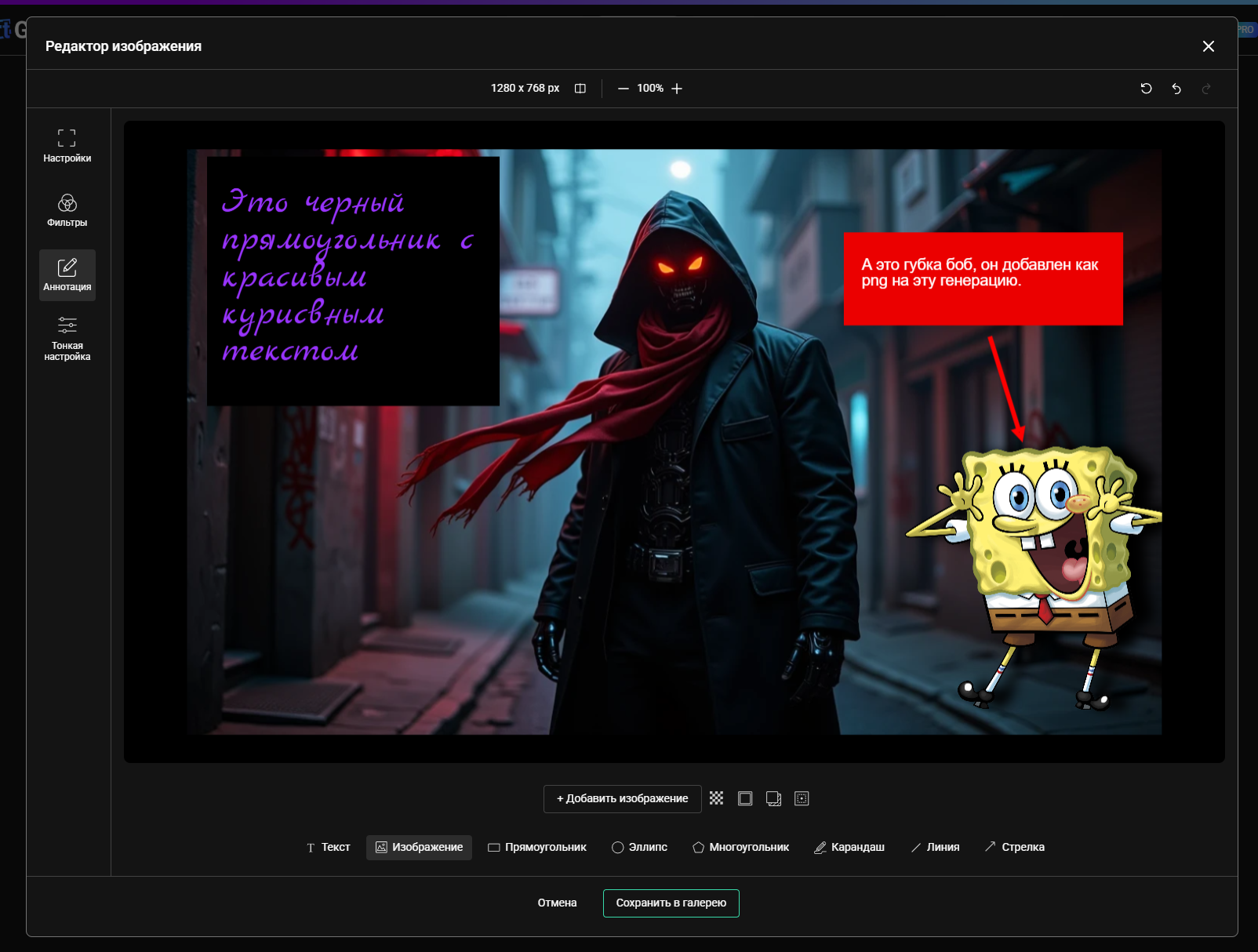
2. Image Editor
Added built-in editor for post-processing. Functionality includes:
- Drawing
- Adding text
- Color adjustment
- Applying filters
- Creating sketches using geometric shapes for subsequent generation
3. Bug Fixes
Fixed many old bugs and created some new ones. Report discovered problems in the Telegram community.
Update 5.2
Date: November 28, 2024
1. SDXL Express Model
Added optimized SDXL version providing results several times faster than other SDXL versions with minimal quality loss — ideal for speed work.
2. Own Image and Inpainting for Flux
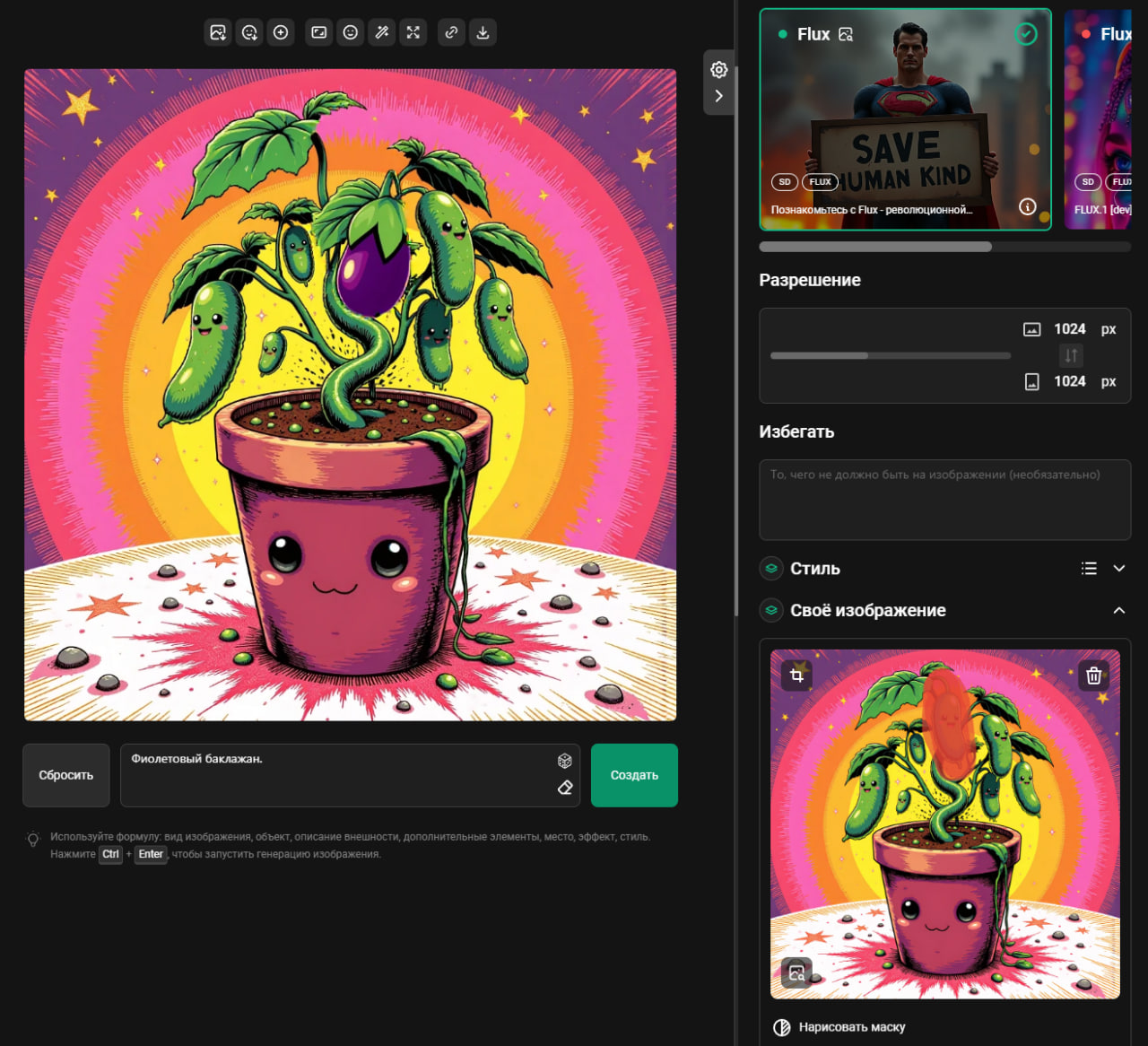
Fundamental capability now available for all generative models without exception.
3. Optimization and Fixes
Numerous point improvements and system performance acceleration.
Update 5.0
Date: November 5, 2024
1. Face Swap Feature
Now you can replace a face on any image. Functionality works with site-generated images, personal gallery items or user-uploaded photos. Feature consumes one generation when activated.
2. Personal Gallery Pagination
Users can now click icon next to column display slider to access page numbers, enabling navigation through entire image gallery collection.
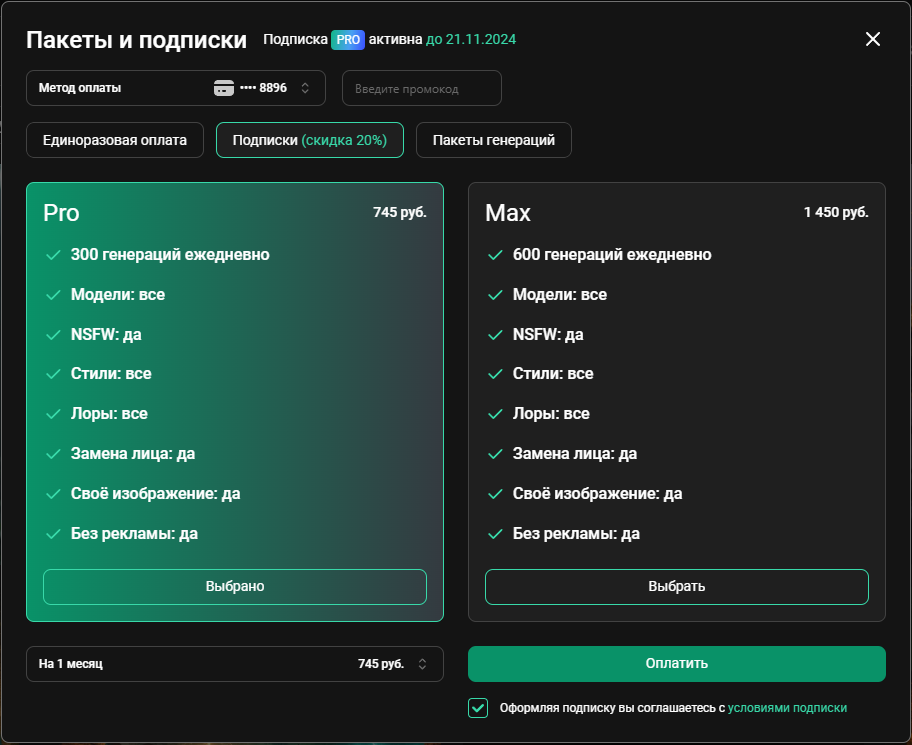
3. New Max Tier
Premium subscription offering 600 daily generations for power users who need maximum access. This tier receives experimental features first.
4. Subscription Restoration
Platform switched to T-Bank payment services. Monthly auto-renewal subscriptions returned, offering approximately 20% savings compared to one-time payments. New card additions include a test charge of 10 rubles that is immediately refunded.
5. Visual Design Update
Updated logo, site icon and element colors.
6. Page Title & URL System
Improved headline generation and URL address structure.
7. Minor Fixes
Numerous small improvements and fixes across the platform.
Update 4.5
Date: September 26, 2024
1. Design Update
Updated design of all site sections. Top bar is now transparent and slightly rounded, providing a cleaner and more responsive interface.
2. Column Customization
Platform now allows users to adjust the number of columns in the generator, useful for efficiently managing multiple images.
3. Layer System
Styles and "Own Image" are now organized as layers that can be collapsed, expanded or temporarily disabled via layer icons.
4. Performance
Bug fixes and speed improvements implemented.
Subscribe to News
To not miss important updates, subscribe to our Telegram channel.
Full update archive also available on the blog: blog.artgeneration.me
